P/N A51-4473-16 Page 15 Rev 4.3.3
Quick Start Guide
This Wizard guides the user through a typical process on how to set a MiniM.O.L.E.® rH up to record
data.
This is available when in Engineer Mode.
To set an instrument up:
1) Connect the USB Dock Station to the computer and insert the M.O.L.E. Profiler into the
dock cradle. Refer to the Communications Setup topic for your specific M.O.L.E. Profiler for
more information.
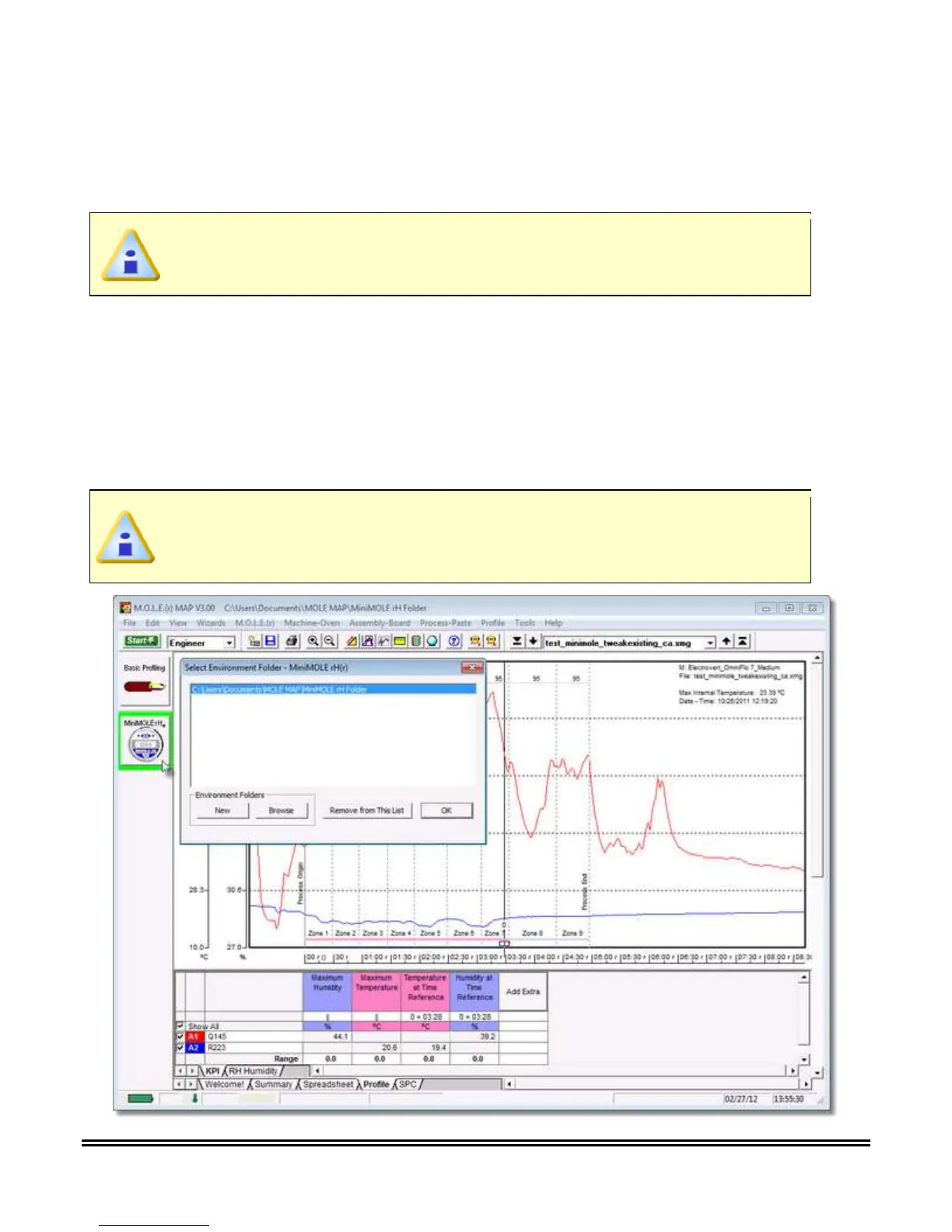
2) Set an Environment related for the type of experiment that is being performed. Either open an
existing Environment Folder or create a new one.
If the desired Environment is not displayed on the Environment Sidebar, the user
can use either the Open Environment Toolbar button or select the Open
Environment Folder command from the File Menu.



 To Next Page