P/N A51-4473-16 Page 20 Rev 4.3.3
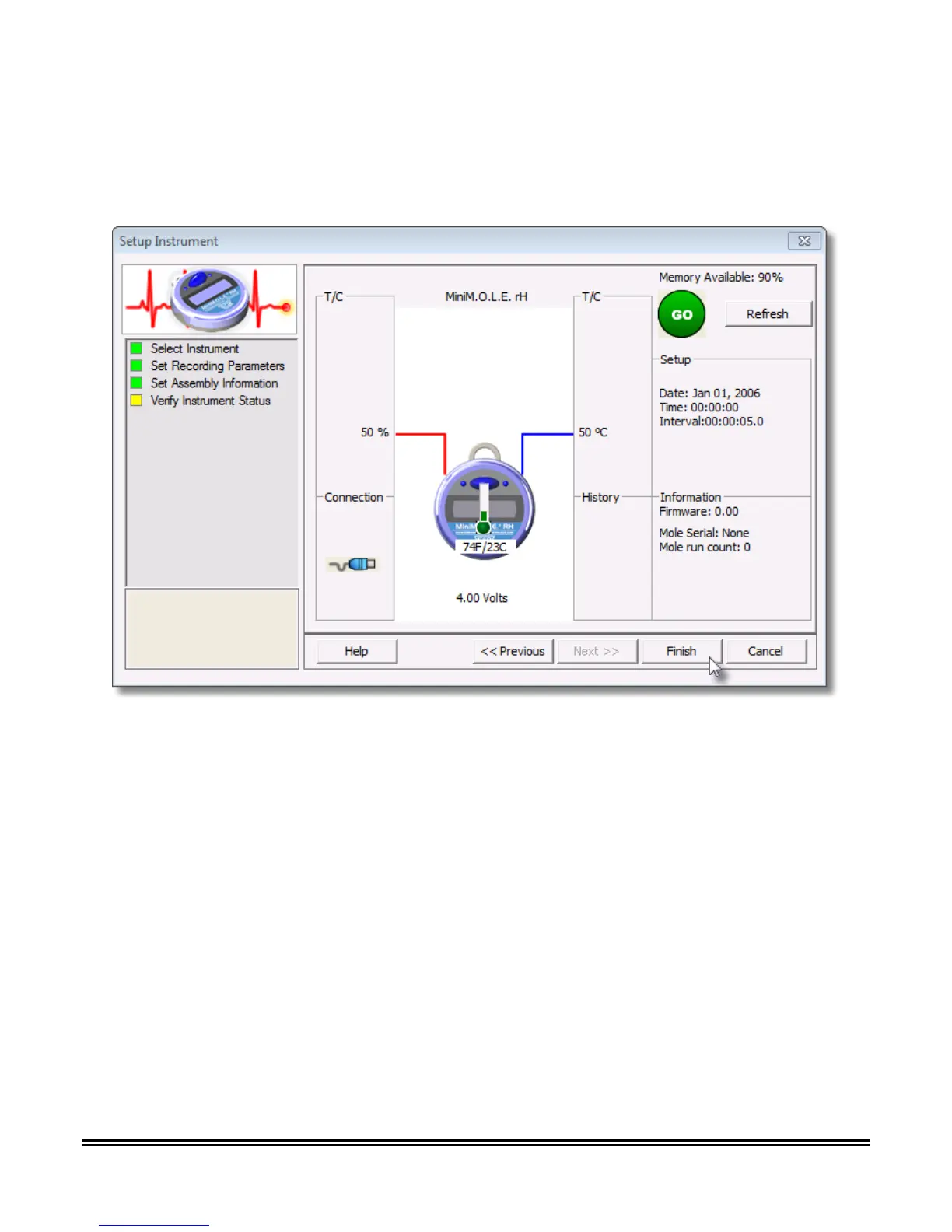
10) Verify the instrument status. This dialog box displays the health of the M.O.L.E. Profiler such as
battery charge, internal temperature, thermocouple temperatures. If the user selects the Show
Critical command button the dialog box will only display items that will prevent the user from
completing a successful data run.
11) Select the Finish command button to complete the Setup Instrument wizard.
The MiniM.O.L.E.® rH is now ready to collect data.



 To Next Page