EN
26
Time zone selection
By concurrent pressing TIME and SNOOZE buttons clock changes into “01”; now release SNOOZE button and
still hold TIME button. To select time zone, use MINUTE button:
“00” = GMT + 0 hours (i.e. Great Britain)
“01” = GMT + 1 hour (i.e. Czech Republic)
“02” = GMT + 2 hours (i.e. Finland)
Outdoor temperature is not shown
If outdoor temperature gures show “--”, wireless connection with the sensors was lost. Press MINUTE button
on the device and then RESET button on the outdoor sensor´s rear. If outdoor temperature and humidity are
not still shown (it may occur during extremely cold weather) try to relocate the sensor on a place where you
can achieve undisturbed data transmission.
Weather forecast and barometer use
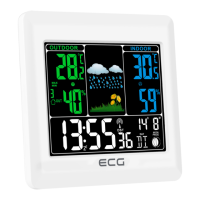
This weather forecast station integrates a barometer monitoring air pressure. After turning on, the display
shows Partly cloudy icon. The weather forecast station needs approx. 24 hours for collecting suciency of
data for forecast calculation for next 12-24 hours.
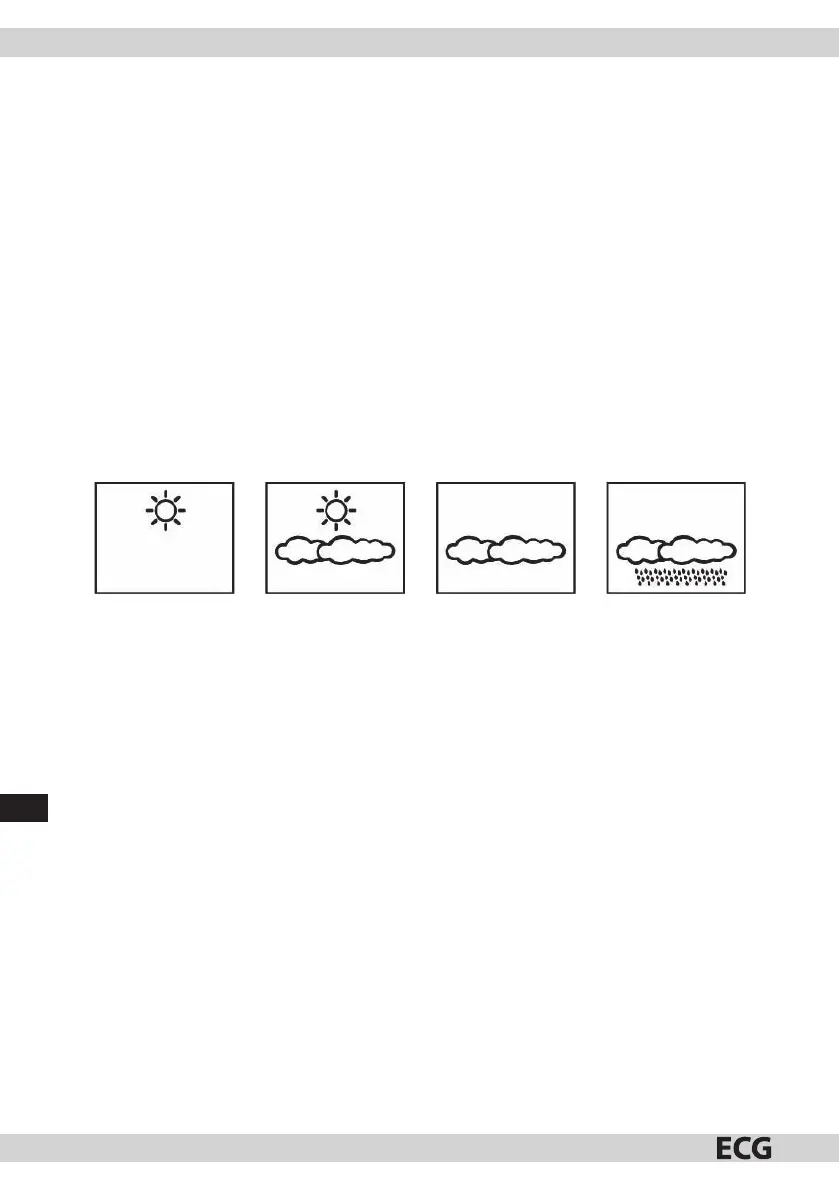
The device shows four weather types.
CLEAR WEATHER PARTLY CLOUDY OVERCAST RAINY
Weather forecast is completed with the air pressure tendency indicator; when air pressure increases fast
(+1hPa / h), upward arrow appears and when air pressure decreases fast (-1hPa / h), downward arrow appears.
When air pressure is stable (+/-1hPa/h), horizontal arrow is shown.
Notes:
Relocation of the station within a building aects exactness of measurement and forecast; altitude of the air
pressure sensor aects the measurement. Data stabilization takes approx. 24 hours, then the station is able
to forecast weather for next 12-24 hours.
The station provide weather forecast for next 12-24 hours. Data need not comport with current weather
conditions.
DEVICE MAINTENANCE
1. Do not expose the device to extreme temperatures, solar radiation, or liquids.
2. Avoid contact with agents causing rusting.
3. Do not expose the device to mechanic powers, dust, or high humidity.
4. Do not open the device or handle with its parts.
5. Do not connect any other power supply working with incorrect characteristics.



 To Next Page