37
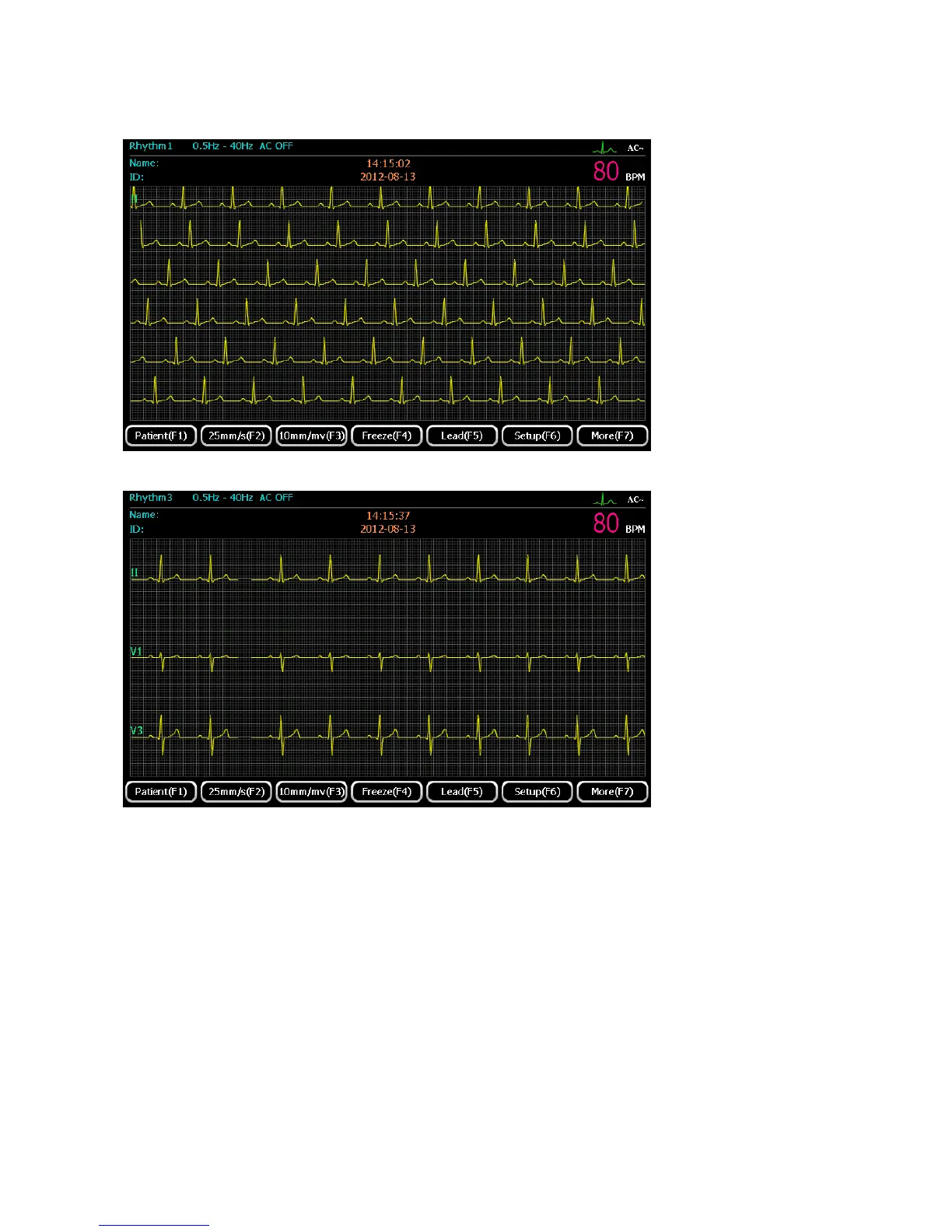
Rhythm1
Rhythm3
1) Press 【F2】 to set paper speed. Four kinds of speed are available for selection: 5mm/s, 6.25mm/s,
10mm/s, 12.5mm/s, 25mm/s and 50 mm/s;
2) Press 【F3】 to set gain . Four kinds of sensitivity are available for selection: 2.5mm/mV,
5mm/mV, 10mm/mV and 20mm/mV;
3) When waveforms become stable, press 【Start/Stop】for recording, and the printing duration is
controlled by user, press 【Start/Stop】 again to stop printing.
5.6.3 Auto Mode
Under Auto Mode, select 6 automatic display formats through “display setup” screen: 3CH×4,
3CH×4+1R, 3CH×4+3R, 6CH×2, 6CH×2+1R and 12CH×1.



 To Next Page