38
3CH×4 3 rows ×4 columns
3CH×4+1R 3 rows ×4 columns+ 1 rhythm lead
3CH×4+3R 3 rows×4 columns+ 3 rhythm leads
6CH×2 6 rows×2 columns
6CH×2+1R 6 rows×2 columns+1 rhythm lead
12CH×1 12 rows×1 column
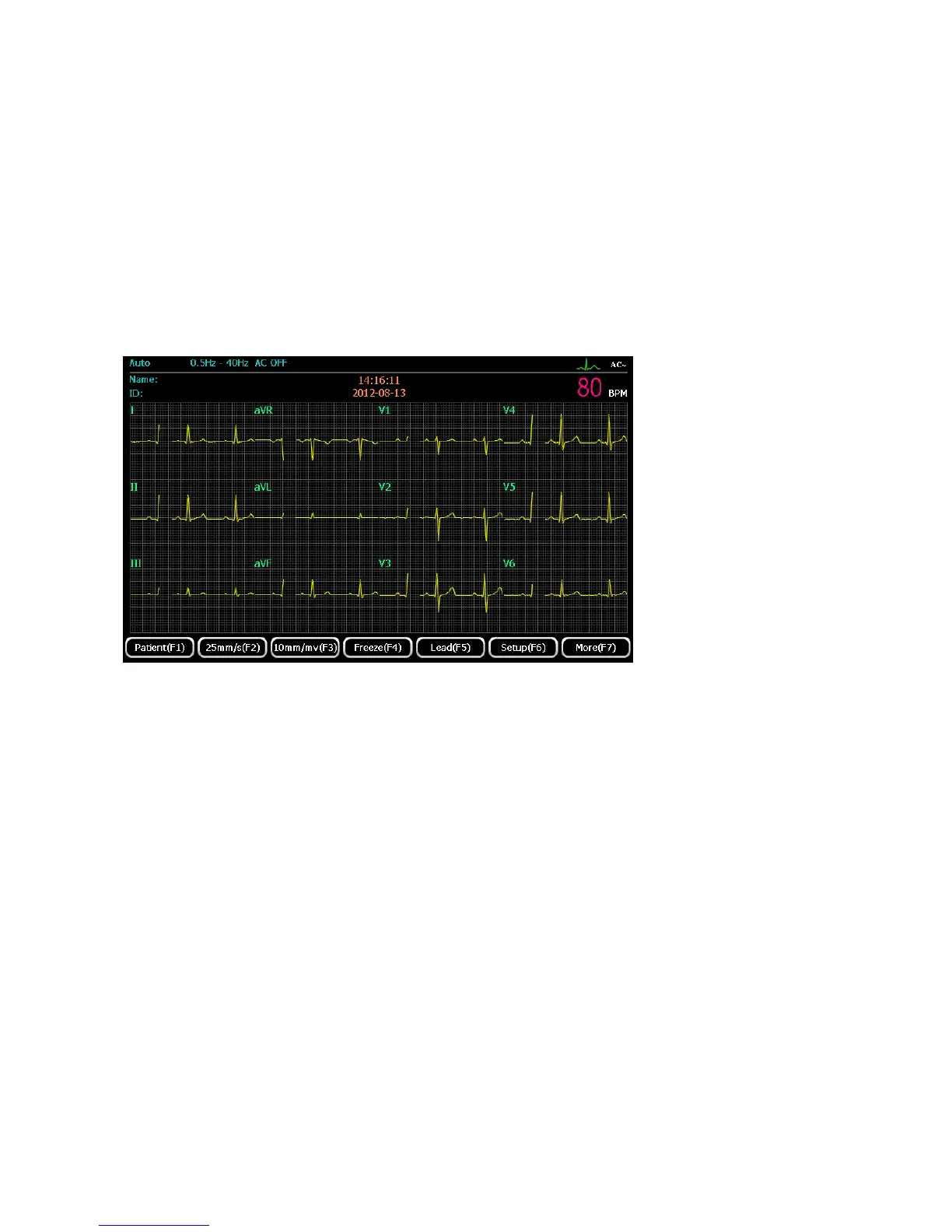
3CH×4 format
1) Press 【F1】 to enter patient information interface for input the patient information.
2) Press 【F2】to set paper speed: 5mm/s, 6.25mm/s, 10mm/s, 12.5mm/s, 25mm/s and 50 mm/s
available;
3) Press【F3】to set sensitivity: 2.5mm/mV, 5mm/mV, 10mm/mV and 20mm/mV available;
4) Press【F4】to freeze the waveform displayed on the main interface;
5) Press【F5】to see electrodes placement indication;
6) Press【F6】to enter system setting;
7) Press【F7】to return to the first page of the main interface.
3CH×4+1R format



 To Next Page