10 Assembling the SmartServer Hardware
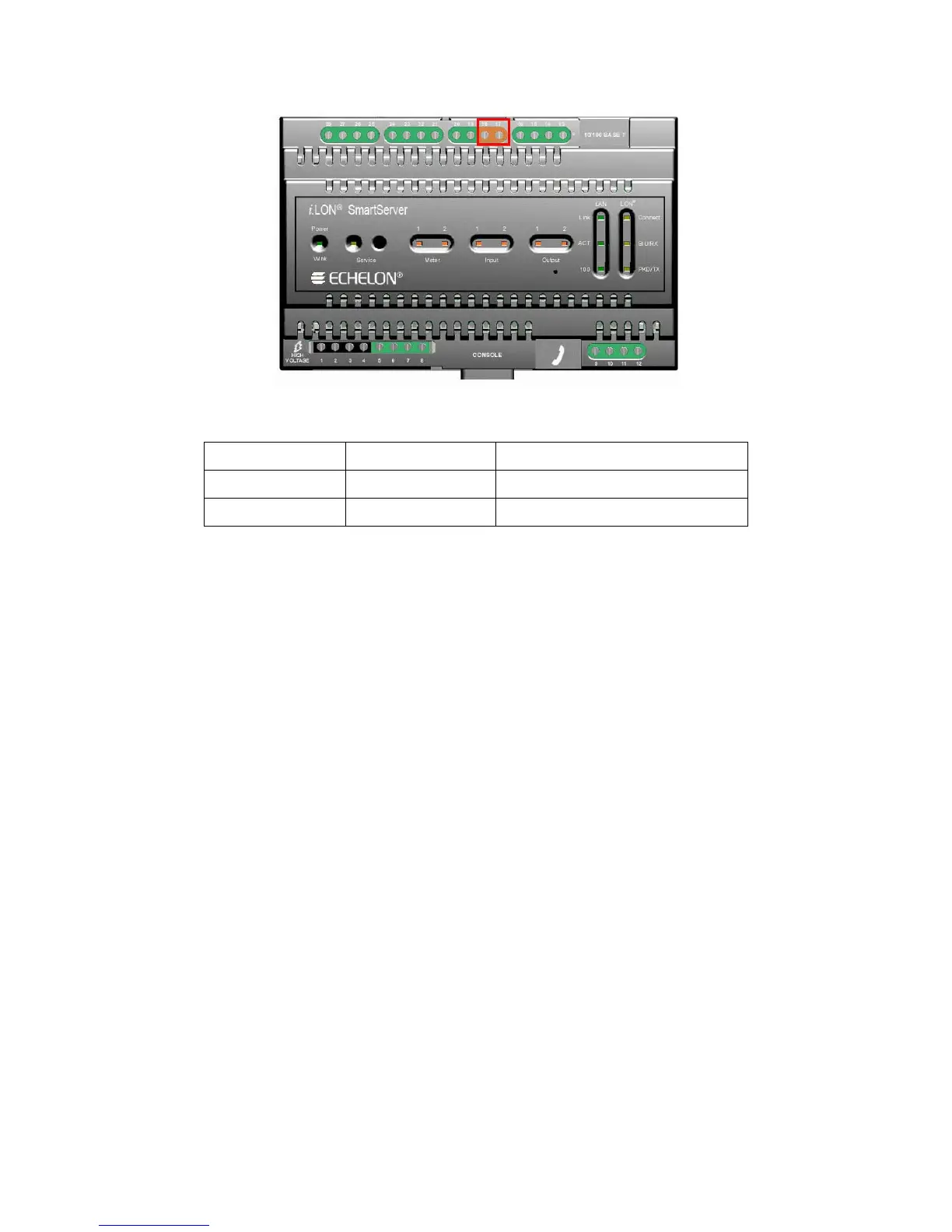
The following table lists the enclosure markings for the L
ONWORKS network screw terminals on the
SmartServer and their connection type.
Screw Terminal Enclosure Marking L
ONWORKS Network Connection
17 LON
®
B/PLT + TP/FT-10 twisted pair
18 LON
®
A/PLT - TP/FT-10 twisted pair
RS-232/RS-485 Serial Ports
The SmartServer includes one RS-232 serial port and one isolated RS-485 multi-drop bus port. The
RS-232 serial connection is implemented on screw terminals 21–25. These connections are
polarity-sensitive. You can connect an external GSM modem, M-Bus devices, Modbus devices, or
other type of device to the RS-232 serial port. Note that the RS-232 serial port supports only one of
the aforementioned items at a time.
The RS-485 bus connection is implemented on screw terminals 25–28. These connections are
polarity-sensitive: terminal 28 is marked positive (RT+), and terminal 27 is marked negative (RT-).
Do not reverse the polarity of the RS-485 port will because it will cause improper bus operation. The
RS-485 port picks up ground at terminal 25. The RS-485 connection is not susceptible to common
mode ground differential voltage swings, but you should use a suitable shielded cable when connecting
devices in noisy environments. You can connect Modbus devices or other types of devices to the RS-
485 port. Note that the RS-485 port supports only one of the aforementioned items at a time.
The following figure illustrates the location of the RS-232 and RS-485 screw terminals on the
SmartServer.



 To Next Page