23
After the drivers are installed, you should verify that Windows recognizes
them. You can do this by checking in the Windows Control Panel as
follows:
Begin by clicking on the Windows
Start
button. Then select
Settings
,
followed by
Control Panel
. Now double-click on the icon labeled
System
.
At the top of the
System
window, you will see a tab labeled
Device
Manager
; click on the tab. Now locate the line labeled
Sound, Video, and
Game Controllers
. Double-clicking on the “+” to the left of the line’s
associated icon should reveal the line
Layla by Echo
; double-click on that
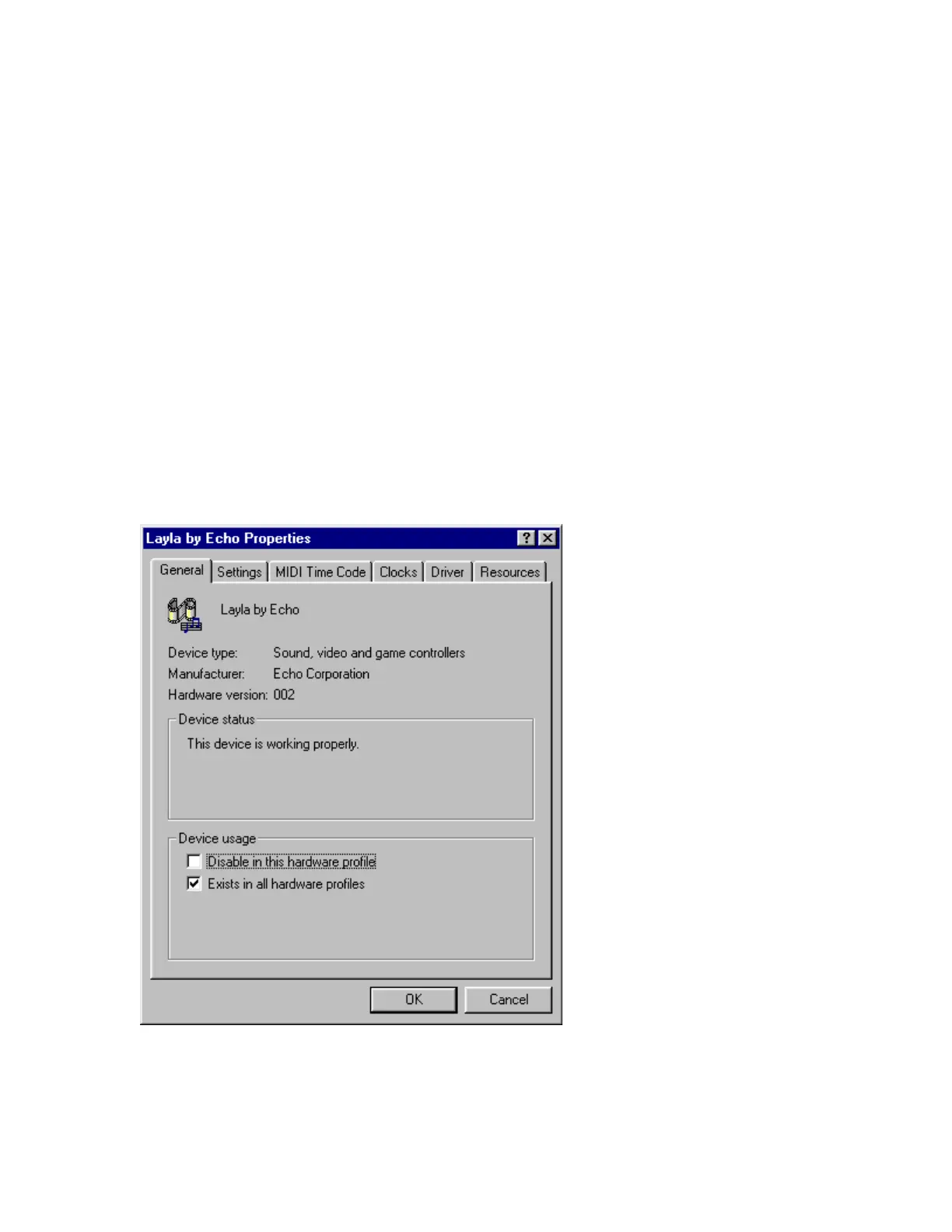
line. The “Holy Grail” that we’re searching for is a message that, if
everything is in working order, should now appear on your screen. In the
center of the Layla Properties window will be a section called “Device
Status.” Look for a message that reads “This device is working properly.” If
you see it, give yourself a hearty pat on the back for a job well done!
Proper installation of the Layla drivers will result in the
message, “The device is working properly.”



 To Next Page