43
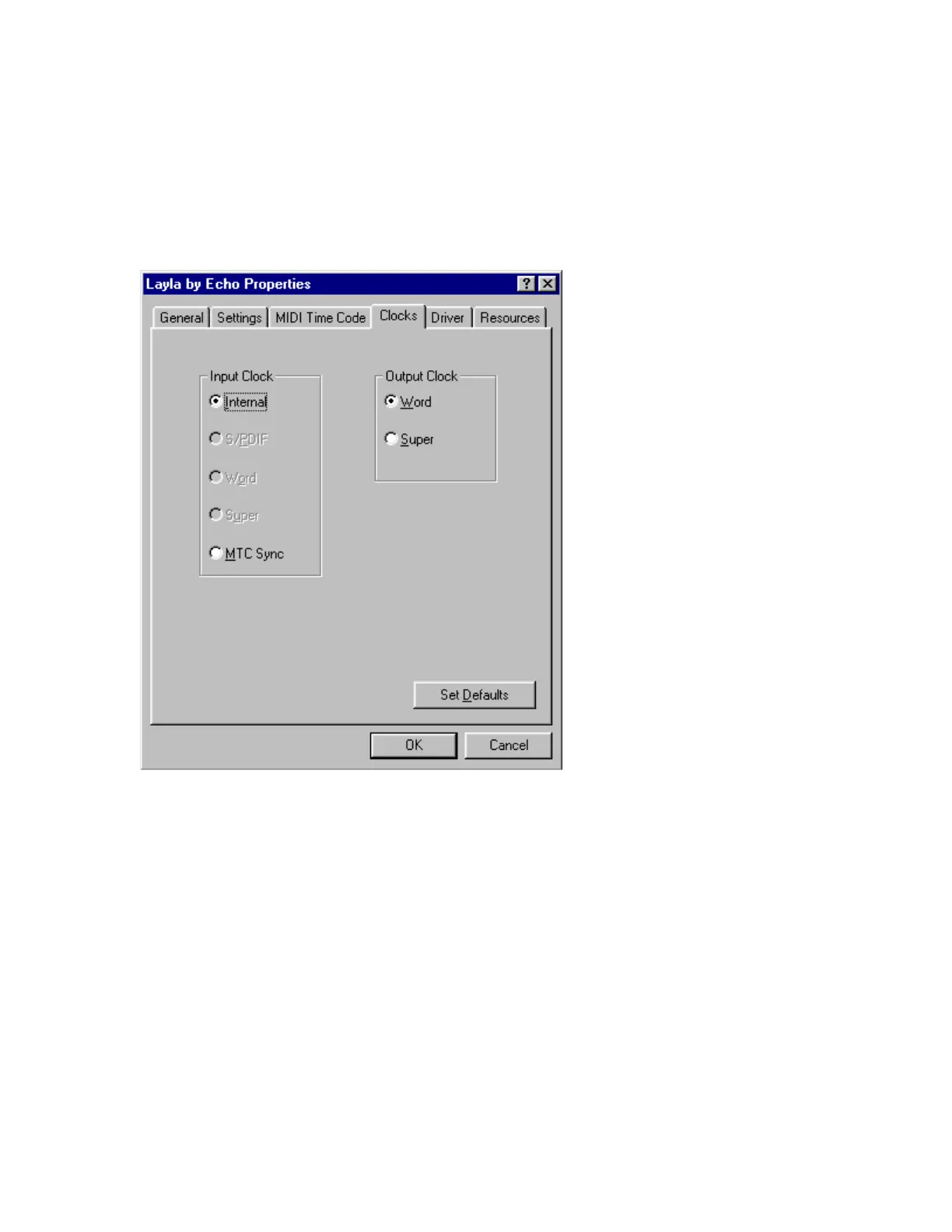
The Clocks Settings
Although you can set the synchronization clocks from the Echo Console,
these settings are also available from the Layla Properties menu. Click on
the
Clocks
tab. The window will change to look like this:
Only those clock sources that Layla determines to be available will be
enabled for selection.
ASIO Driver Installation
The ASIO driver is automatically installed on your system at the same time
the Echo Layla/Gina/Darla driver is installed. To use it:
1. If you already own a copy of Steinbergs’ VST program, skip to step 3.
2. On the installation CD, run the program:
\Audio Software Demos\Steinberg\CubaseVST demo\VSTdemo.exe



 To Next Page