35
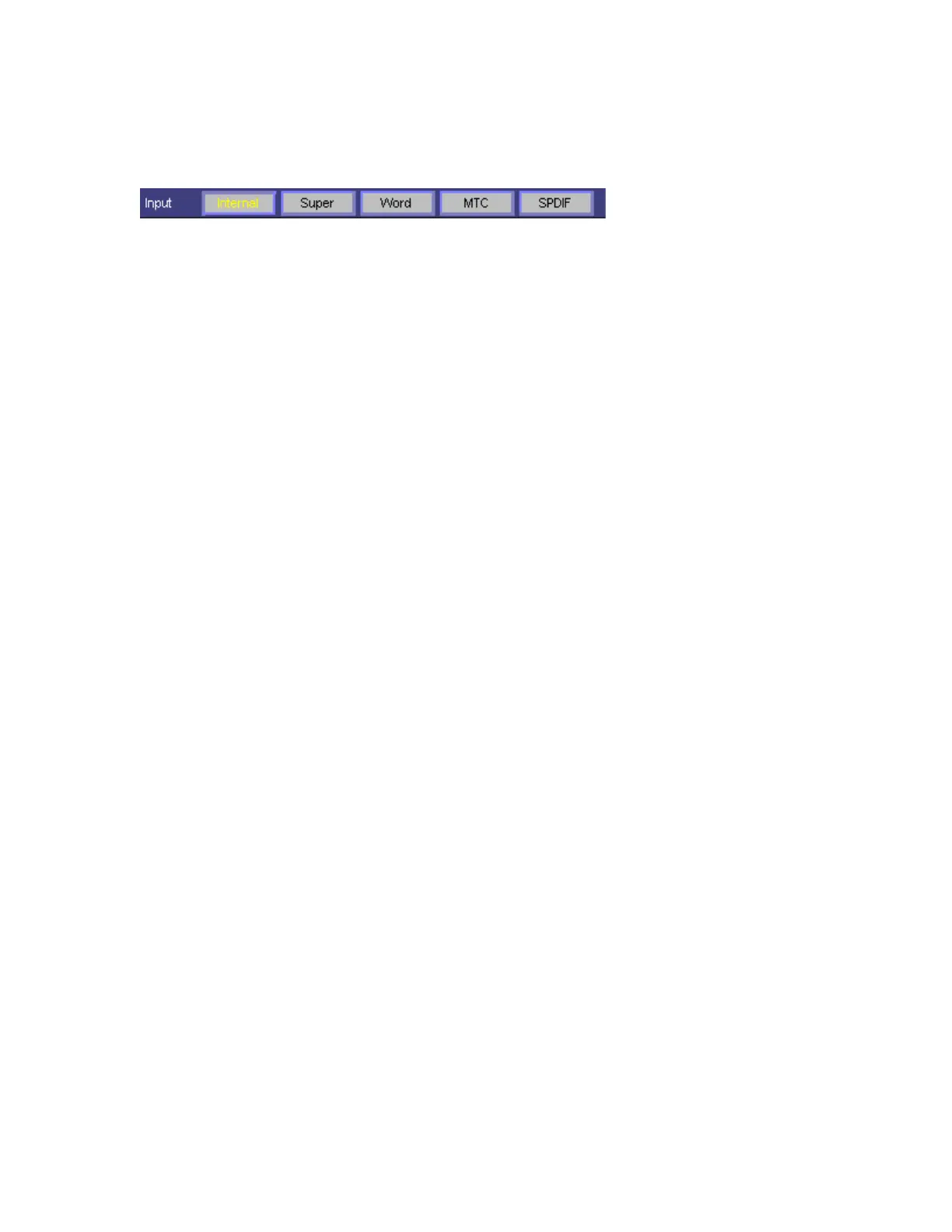
options. Depending on what external devices you have connected to Layla,
you may have as many as five options here.
If you are unsure which clock synchronization selections are appropriate for
your installation, be sure to read the next section, which deals with the types
of clocks that Layla supports.
Synchronizing Multiple Devices
Layla is designed to work alongside other audio equipment within a
complete Windows system. If you are planning on using Layla with other
audio equipment, please note the following:
The Layla Windows drivers (echogals.drv and echogals.inf) included in this
package supports multiple Laylas within the same system. In addition, your
new Layla will operate with Gina and Darla. Layla can also peacefully
coexist with audio equipment from other manufacturers, but be aware that
operating
alongside
another product is not the same as operating
with
it. In
order for accurate synchronization to occur, the other audio product(s) in
your system must support a synchronization mode (word clock, super clock,
etc.) that is compatible with Layla. Without such synchronization, the
individual pieces of equipment will act independently of each other. This
scenario may be fine for some musical applications; however, it is not
appropriate for situations where sample-accurate synchronization is
required.
For this reason, Layla supports many synchronization modes. Layla can
slave to word clock, super clock, S/PDIF, and MIDI Time Code (MTC). In
addition, Layla can also generate these synchronization signals, as well as
perform translation of one clock to another, such as transmitting super clock
while reading MTC.
Let’s take a brief look at the various synchronization types.
Word Clock
–
This is a synchronization signal that connects to the BNC
connector labeled
Word Clock
on Layla’s back panel. This synchronization
clock runs at the selected sample rate. Think of it as a kind of electronic



 To Next Page