25
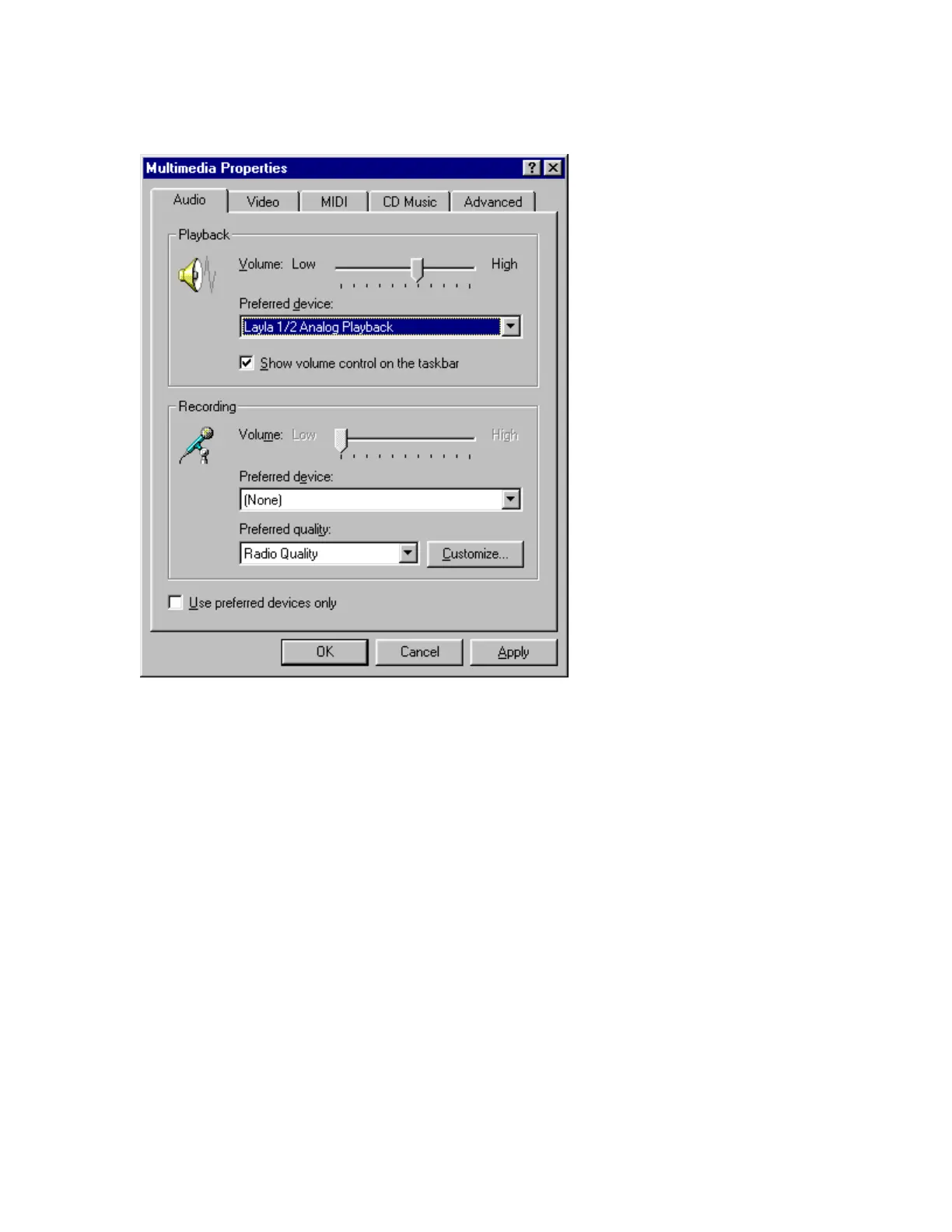
You can view the Layla input and output devices in
the Multimedia Properties/Audio window
.
You’ll find these same input and output options available when using your
audio record/editing software, with the devices assignable on a per-track
basis. See your software owner’s manual for details on how to make these
device assignments. Instructions for making these assignments in Cool Edit
Pro
Special Edition can be found on page 44 of this manual.
This completes the installation of the Layla hardware and software.



 To Next Page