EasyManua.ls Logo

EchoLife HG520b - User Manual

Default Icon
12 pages
Print Icon
To Next Page IconTo Next Page
Loading...
1
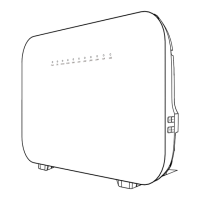
EchoLife HG520b Home Gateway
Quick Start
Thank you for purchasing EchoLife HG520b Home Gateway (hereinafter referred to as
the HG520b).
With the HG520b, you can access the Internet through the ADSL connection.
1 Safety Precautions
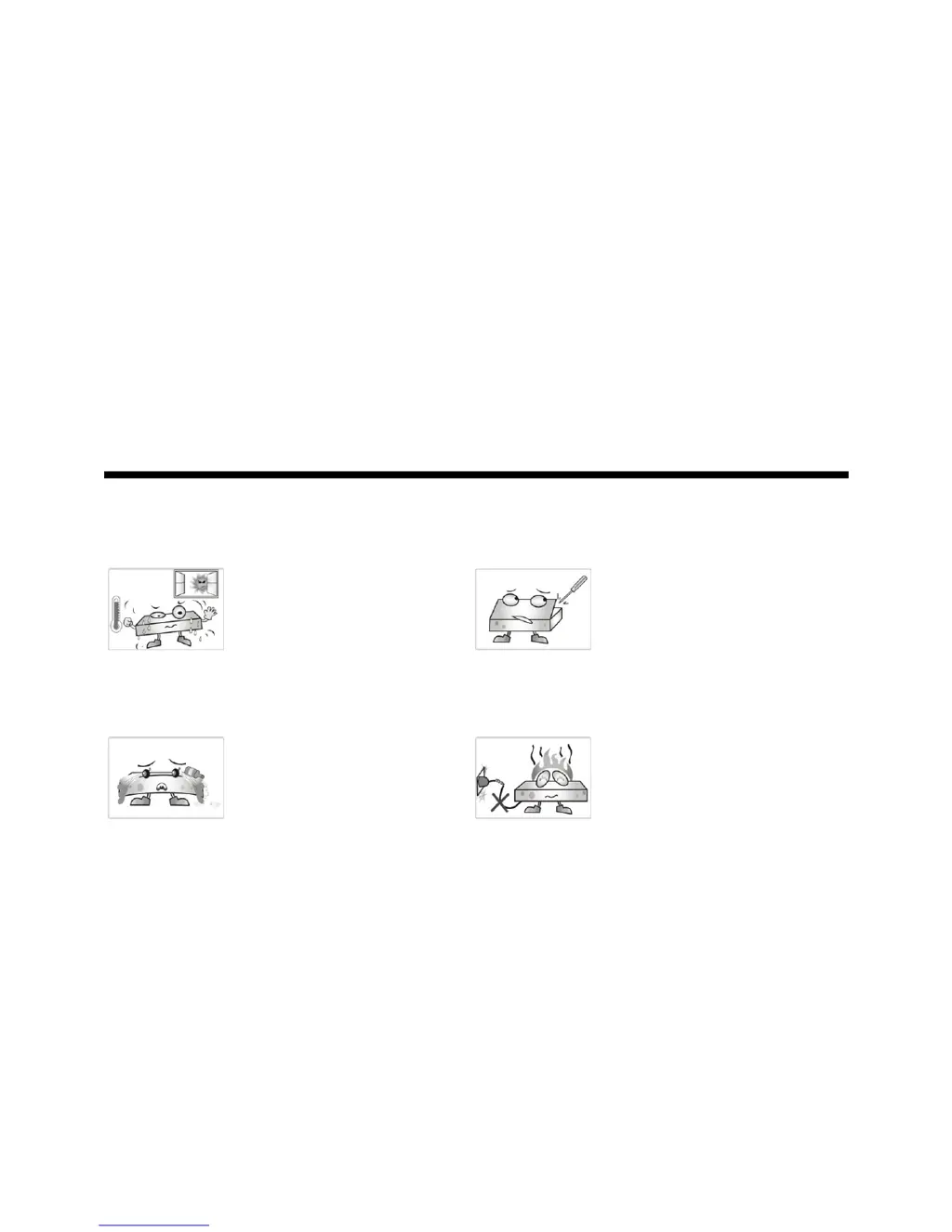
Pay attention to the following when installing and using the HG520b.
Place the device at a
well-ventilated place.
Do not expose the
device to direct
sunlight.
Never attempt to
dismantle the device by
yourself. In case of any
fault, contact the
specified maintenance
center for repair.
During storage,
transportation and
operation of the device,
keep the device dry.
Keep the power plug
clean and dry. Using a
dirty or wet power plug
may lead to electric
shock or other perils.
Do not use an old or a  
damaged power cable.

Questions and Answers

Summary

Safety Precautions

Overview

Front Panel Overview

Details the indicators and status lights on the front panel of the HG520b device.

Rear Panel

Preparations for Connection

External Splitter Usage

Explains the function and connection of the external splitter for ADSL signal separation.

Network Adapter Requirements

Details the necessary computer network adapter setup for connecting to the HG520b.

Connecting the HG520 b

Configuring the HG520 b

Embedded Dial-Up Configuration

Step-by-step guide to configure the HG520b for internet access using its embedded dial-up function.

Computer Dial-Up Configuration

Instructions for configuring a computer to access the internet via the HG520b in bridge mode.

Troubleshooting

FAQs

Technical Specification

EchoLife HG520b Specifications

General IconGeneral
WAN InterfaceADSL2+
Wireless Frequency2.4 GHz
Maximum Wireless Data Rate54 Mbps
SecurityWEP, WPA, WPA2
QoSYes
Product TypeADSL2+ Router
LAN Interface4 x 10/100 Mbps Ethernet ports
Wireless Standard802.11b/g
ADSL StandardsITU G.992.1 (G.dmt), ITU G.992.2 (G.lite), ITU G.992.3 (G.dmt.bis), ITU G.992.5 (ADSL2+)
Ports1 x ADSL, 4 x LAN, 1 x USB

Related product manuals