3
2 Overview
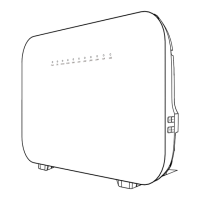
Figures of the front panel and the rear panel are only for your reference.
Front Panel
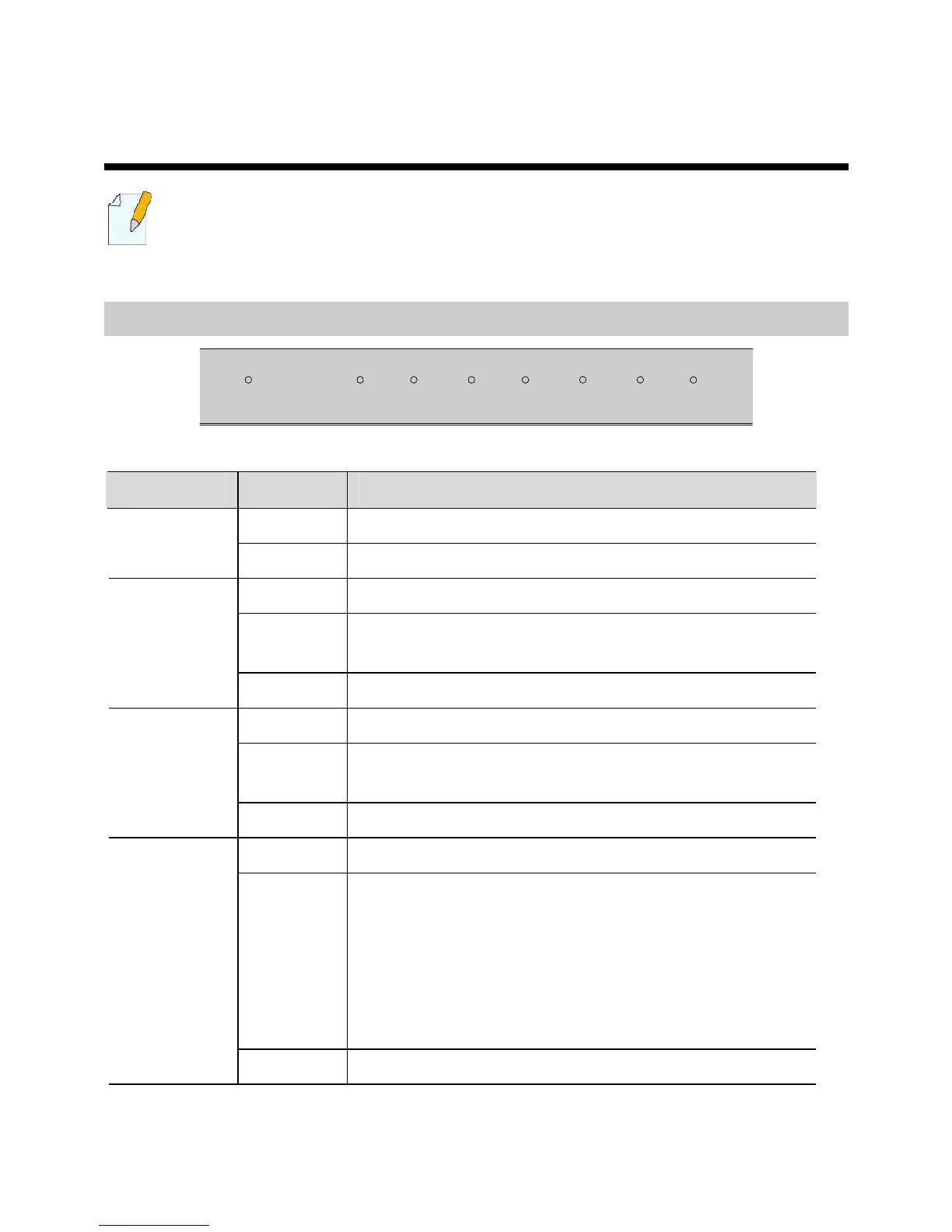
LAN4LAN3LAN2LAN1
ADSL
POWER WLAN
INTERNET
Indicator Status Description
On The HG520b is powered on. POWER
Off The HG520b is powered off.
On WLAN function is enabled.
Blinking
There are data being transmitted in the WLAN
interface.
WLAN
Off WLAN function is disabled.
On The connection is established in the LAN interface.
Blinking
There are data being transmitted in the LAN
interface.
LAN 1–4
Off No connection is established in the LAN interface.
On The DSL connection is established.
Blinking There are two state:
z Slow-Blinking
The telephone line is not connected or the DSL
connection is not established.
z fast-Blinking
The DSL connection is being activated.
ADSL
Off The HG520b is powered off.



 To Next Page