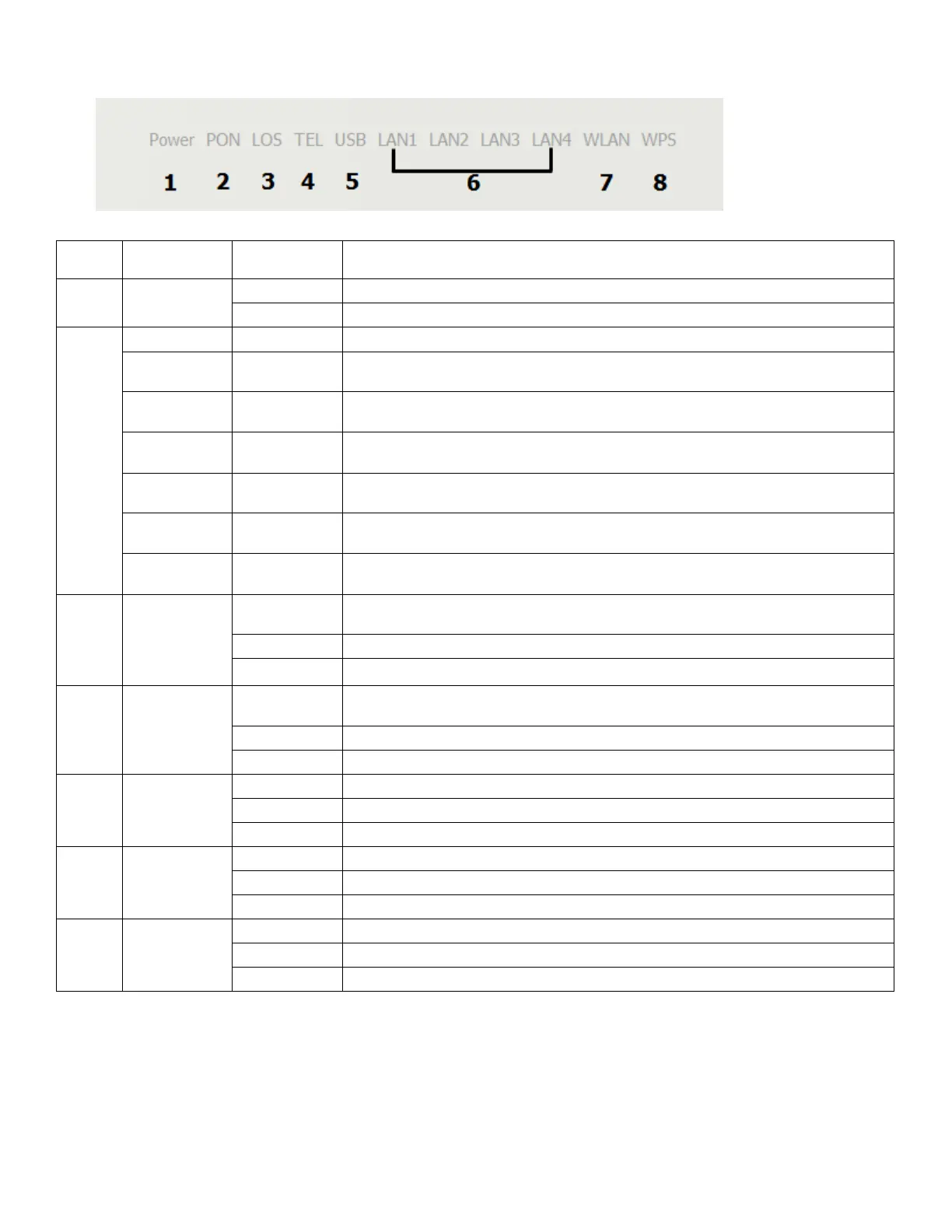
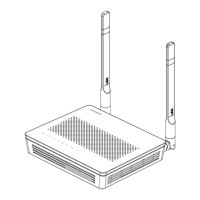
1. HG8145V Router power status
The terminal is powered on.
The power supply is cut off.
The GPON terminal is prohibited by the upper-layer device, contact the
service provider for help.
The GPON terminal attempts to set up a connection with its upper-layer
device.
A connection is set up between the GPON terminal and its upper-layer device.
The GPON terminal is not connected to optical fibers or does not receive
optical signals.
The GPON terminal is a rogue terminal, contact the service provider for help.
The terminal is registered with the softswitch but no service flows are
transmitted.
Service flows are transmitted.
The terminal is not powered on or fails to be registered to the softswitch.
The USB port is connected and is working in the host mode, but no data is
transmitted.
Data is being transmitted on the USB port.
The USB port is not connected.
The Ethernet connection is in the normal state.
Data is being transmitted on the Ethernet port.
The Ethernet connection is not set up.
The WLAN function is enabled.
Data is being transmitted on the WLAN port.
The WLAN function is disabled.
The WPS function is enabled.
A Wi-Fi terminal is accessing the system.
The WPS function is disabled.



 To Next Page