EasyManua.ls Logo

EchoLife HG8145V - User Manual

Default Icon
6 pages
Print Icon
To Next Page IconTo Next Page
Loading...
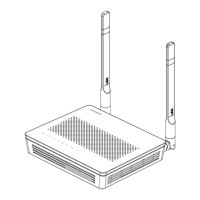
EchoLife HG8145V GPON Terminal
Instruction
Version HG8145V
1. HG8145V Router power status
2. Internet connection Settings
3. WAN, Wireless Settings
4. Hardware Installations
5. Technical Specifications
6. Product Overview
7. Packing List
Question and Answer IconNeed help?

Do you have a question about the EchoLife HG8145V and is the answer not in the manual?

Summary

HG8145 V Router Power Status

Internet Connection Settings

Shortcut Configuration

Steps for configuring internet connection via the shortcut method.

General Configuration

Steps for configuring internet connection via the general method.

WAN and Wireless Settings

Network Card IP Configuration

Configure TCP/IP properties to obtain IP address automatically.

Wireless Network Settings

Configure SSID, security, and WPS for wireless network.

Hardware Installation Guide

Technical Specifications

Product Overview

Packing List Contents

EchoLife HG8145V Specifications

General IconGeneral
Wi-Fi802.11 b/g/n
Power Supply12 V DC
Operating Temperature0°C to +40°C
Storage Temperature-40°C to 70°C
Humidity5% to 95% (non-condensing)
Product TypeONT (Optical Network Terminal)

Related product manuals