Serial.begin(9600);//set baud rate to 9600
pinMode(button, INPUT);// initialize digital pin button as an input.
}
void loop () {
buttonState = digitalRead(button);
Serial.println(buttonState); //Automatically wrap and output the
digital signal read from digital port 2
delay(100);//delay in 100ms}
(6)Test Results:
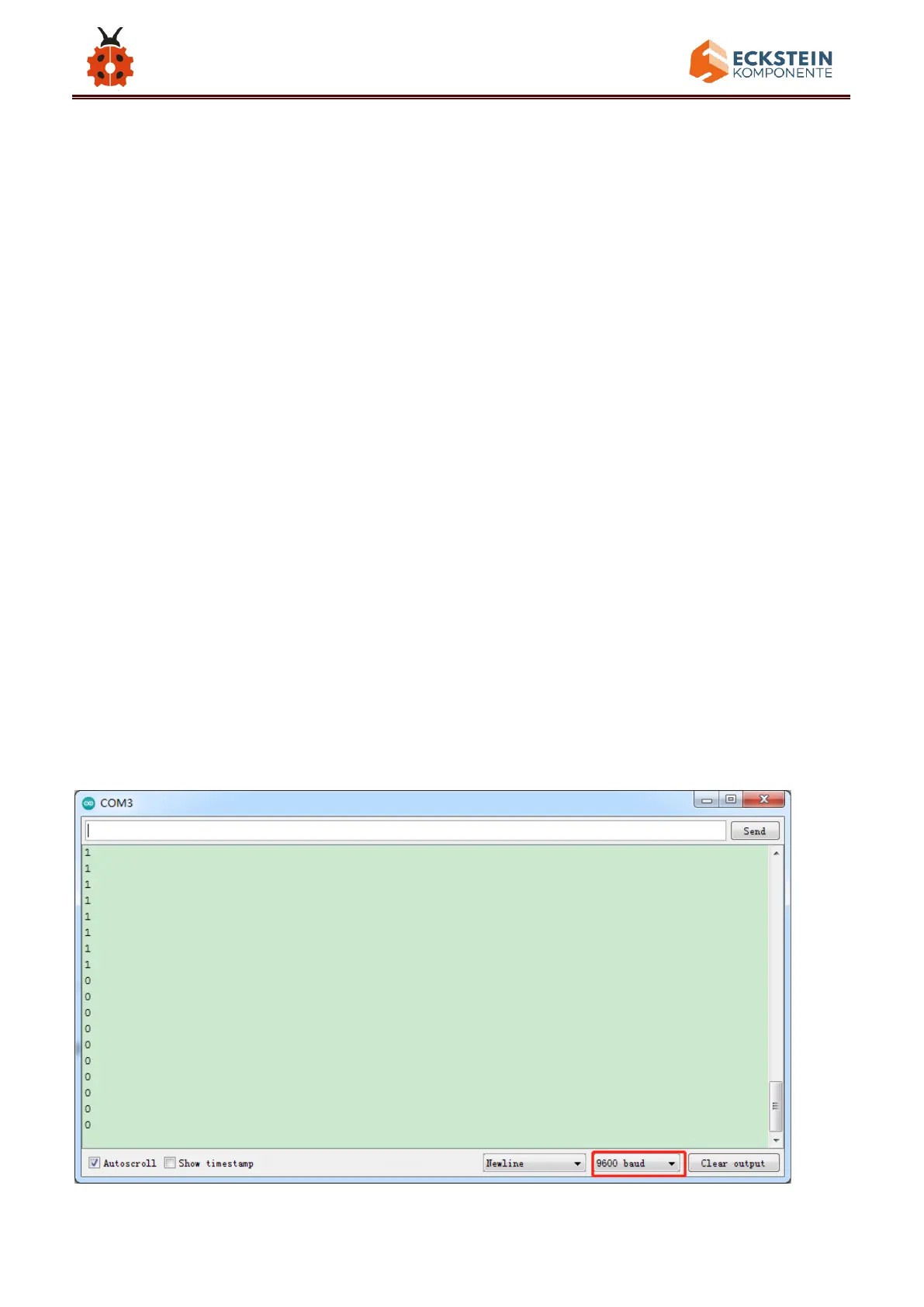
After uploading test code, powering the module up and open the serial
monitor to set the baud rate to 9600, the value 1 (high level) output by the
push button module is shown on the serial monitor and when the button is
pushed, it changes to 0 (low level).



 To Next Page