Project 2: Adjust LED Brightness
(1) Description:
In previous lesson, we control LED on and off and make it blink.
In this project, we will control LED brightness through PWM to simulate
breathing effect. Similarly, you can change the step length and delay time
in the code so as to demonstrate different breathing effect.
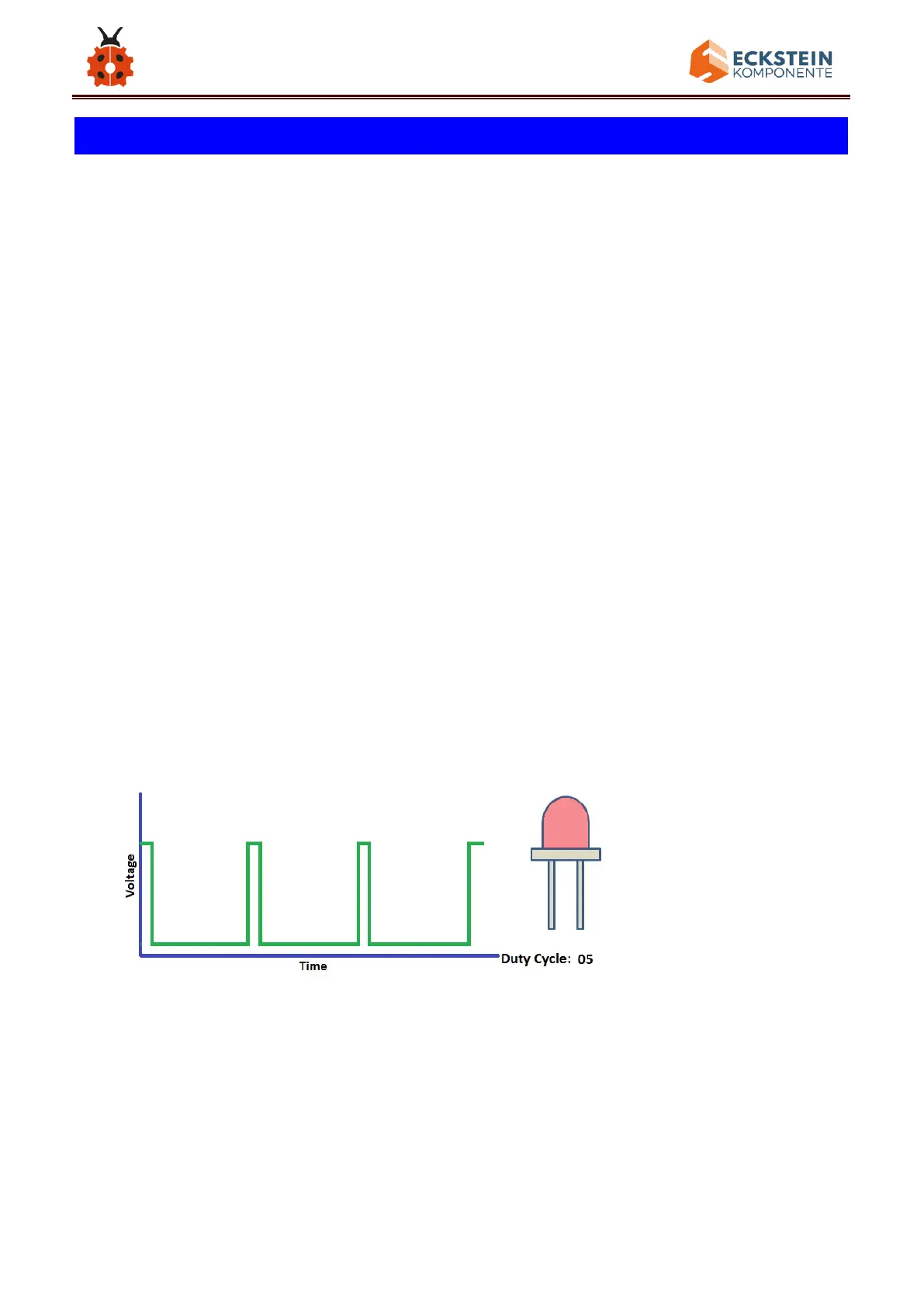
PWM is a means of controlling the analog output via digital means. Digital
control is used to generate square waves with different duty cycles (a signal
that constantly switches between high and low levels) to control the analog
output.In general, the input voltage of port are 0V and 5V. What if the 3V is
required? Or what if switch among 1V, 3V and 3.5V? We can’t change
resistor constantly. For this situation, we need to control by PWM.
For the Arduino digital port voltage output, there are only LOW and HIGH,
which correspond to the voltage output of 0V and 5V. You can define LOW



 To Next Page