When you get control board, you need to download Arduino IDE and driver
firstly.
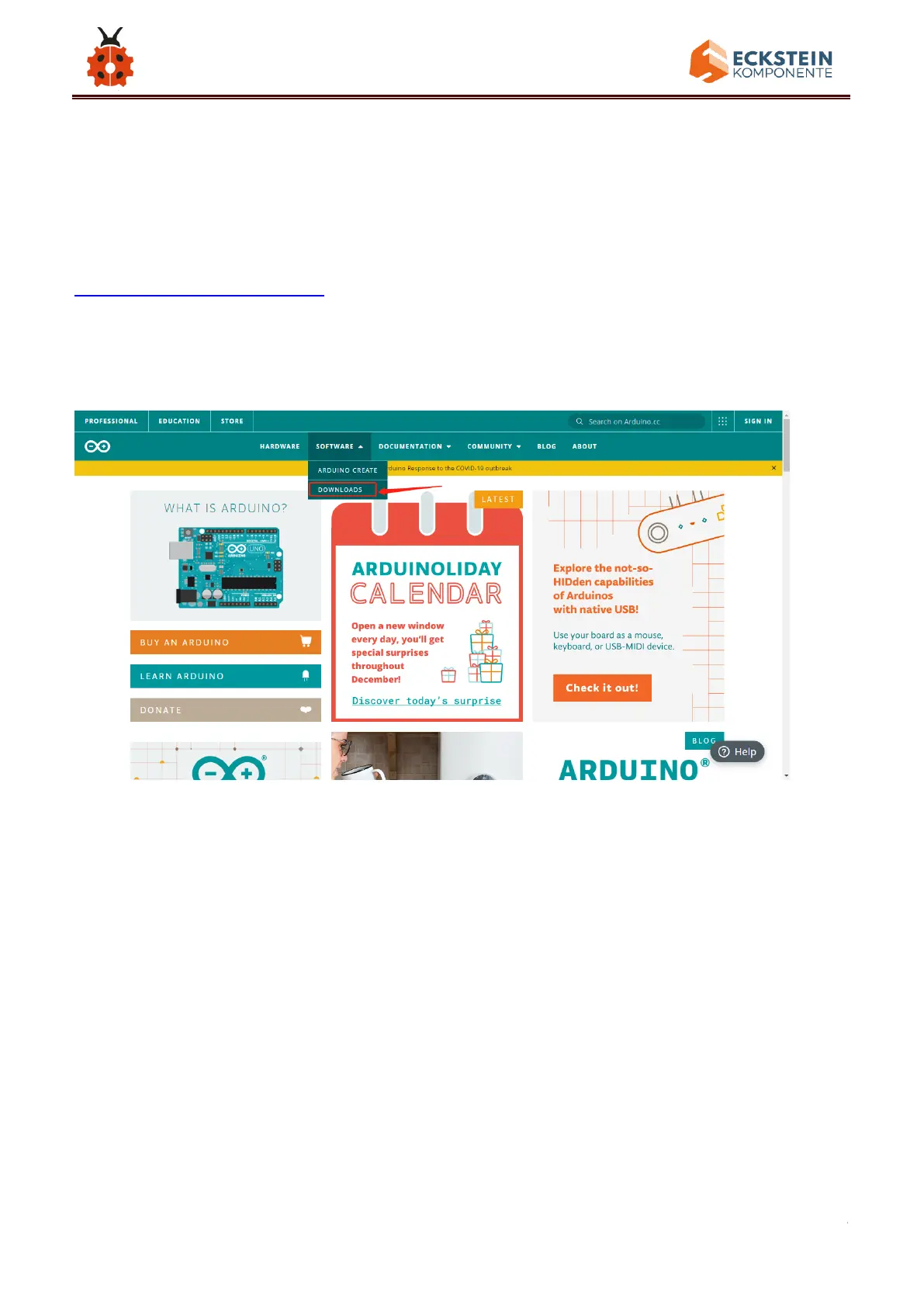
You could download Arduino IDE from the official website:
https://www.arduino.cc/, click the SOFTWARE on the browse bar, click
“DOWNLOADS” to enter download page, as shown below:
There are various versions of IDE for Arduino. Just download a version
compatible with your system. Here we will show you how to download and
install the windows version of Arduino IDE.
There are two versions of IDE for WINDOWS system. You can choose
between the installer (.exe) and the Zip file. For installer, it can be directly
downloaded, without the need of installing it manually. However, for Zip
package, you will need to install the driver manually.



 To Next Page