28
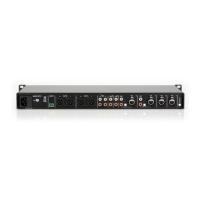
3. In the EXTERNAL MUTE assignment menu, it is possible to select which unit outputs will be
muted when (and while) an external contact closure is detected at the MUTE port (normally
open) of the back panel:
● = Output affected by the EXTERNAL MUTE function
(blank) = Output not affected by the EXTERNAL MUTE function
4. When the AUTOLOAD PRESET 1 option is set to "YES", the device will automatically reload
the preset number 1 after each power cycle, immediately after the start sequence e controls.
5. The LCD display adjustment menu (LCD MODE) allows you to adjust the operating mode of
the display on standby, that is to say after a few seconds without any action on the front panel
keys. Available modes are NORMAL (always on), DIMMED and OFF. In standby mode, any
action on a front panel control temporarily returns the LCD display to its normal state (turned
on); it turns back to sleep mode after a few seconds without action on the controls.


 To Next Page