43
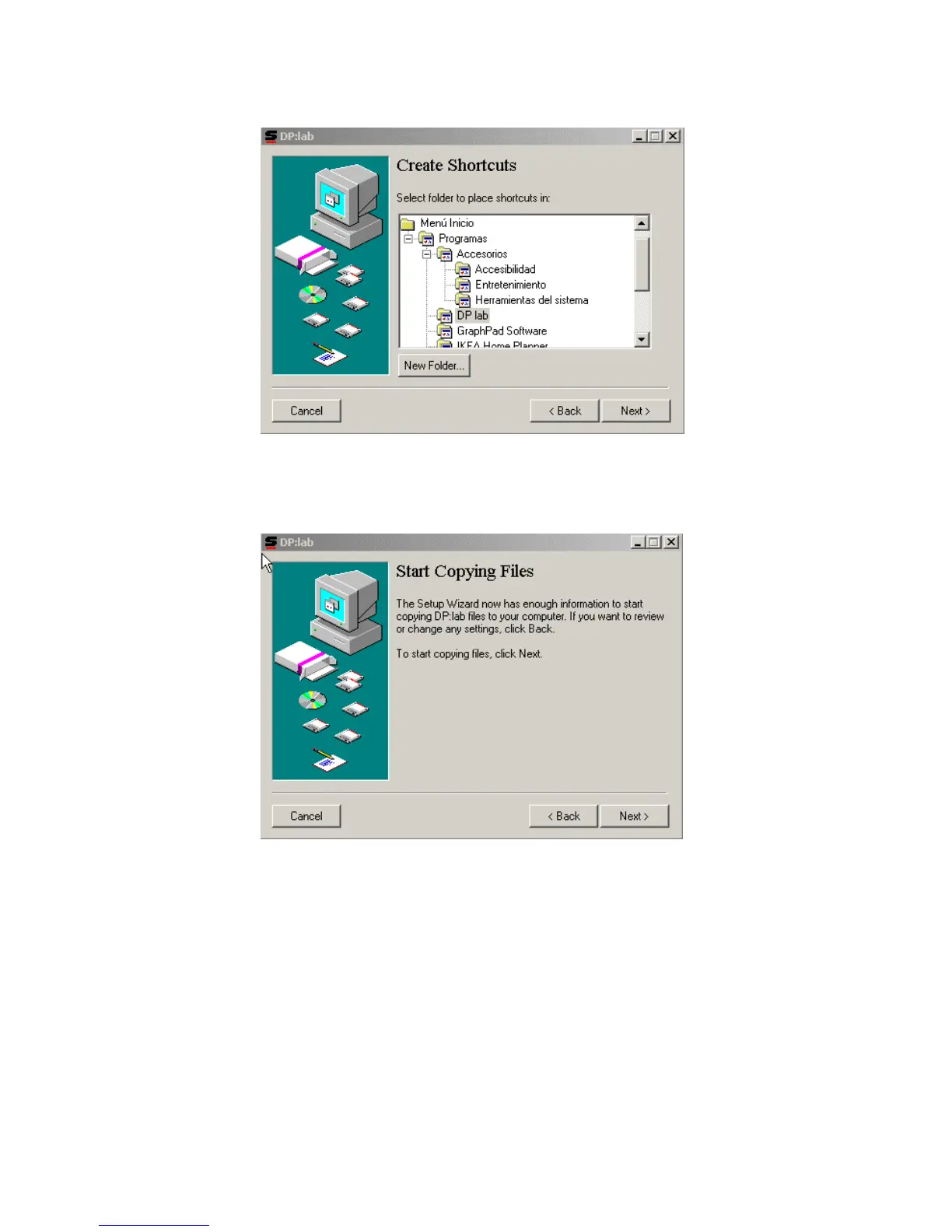
Once the path has been selected (in case the default path is not used), press the Next > button so that
the next screen appears.
Here, the position of the direct access icon for dp:lab can be chosen. Normally, the default position is a
good choice. Pressing the Next > button again leads you to the following installation screen:
Immediately after the Next > button is clicked on this screen, the copying process will begin.



 To Next Page