44
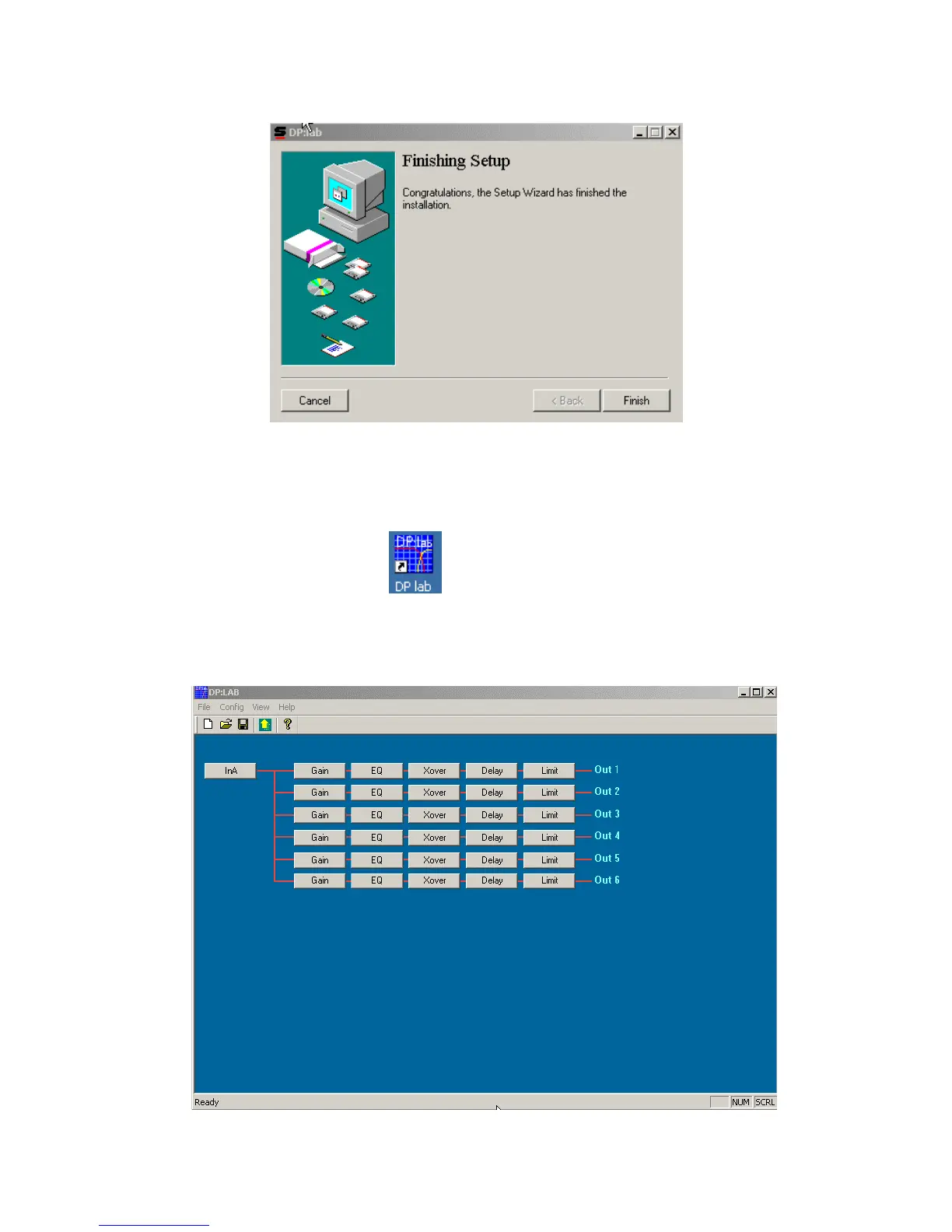
After all files have been copied to the hard drive, the last screen informs about the success of the
installation process.
Press Finish to exit the installation.
Once the software is installed, the desktop will show following shortcut icon.
Double-clicking on this icon executes the application, so that all parameters can be adjusted. Following
main screen appears:



 To Next Page