17
Installing the drivers
Check that the DP400 USB cable is disconnected and start your computer. Run Driver
installer.exe program form the “Drivers” folder on the CD.
If this method is not compatible with your computer, connect the USB cable first and when the
system will ask for the driver files, tell the complete path of the "Drivers" on the CD-ROM.
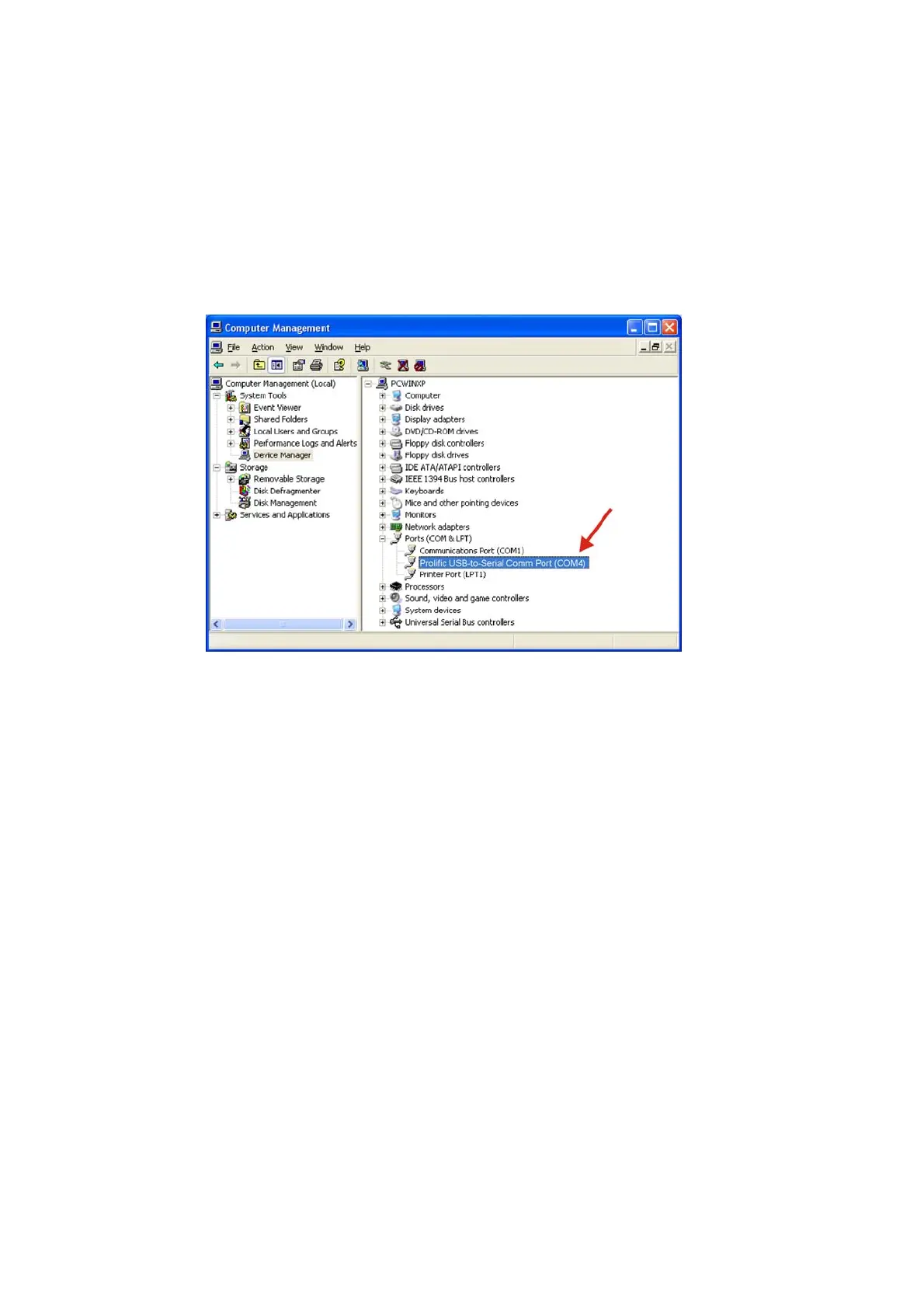
To check the proper installation, go to “Device Manager”. The mixer should appear under:
"Prolific USB-to-Serial Comm Port (COM?)".
Take note of the automatically assigned COM port number.



 To Next Page