18
Double-clicking on this icon executes the application, so that all parameters can be adjusted.
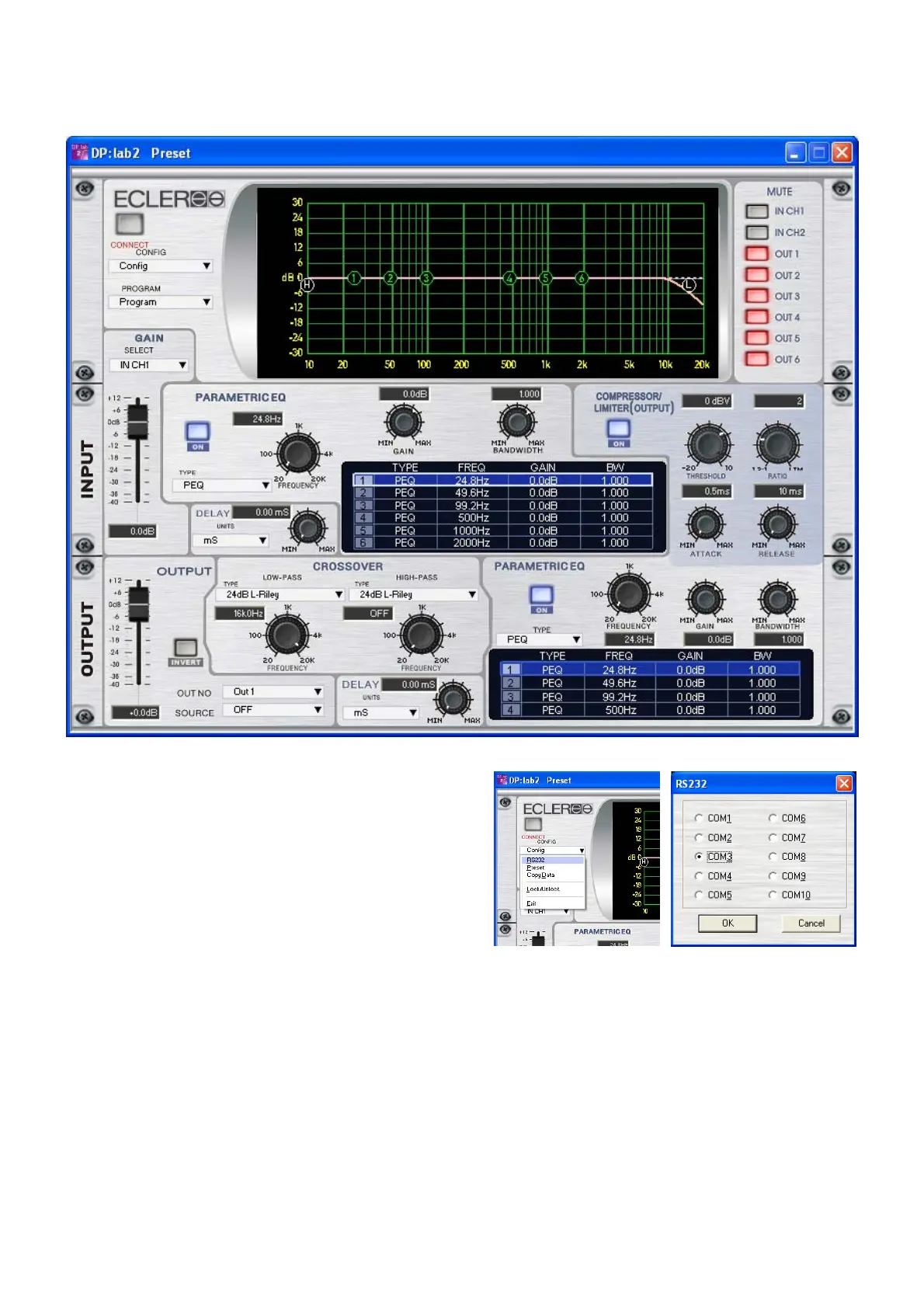
Following main screen appears.
Before pressing “CONNECT”, assign the same
COM port number that was assigned to the drivers. To
change it, use the "CONFIG RS232" menu.



 To Next Page