20
3. Your ecobee3 will detect your remote sensor and ask
you to name it. You can verify a successful connection
on your thermostat. If your sensor does not connect
with the ecobee3, simply remove the battery, wait
2 minutes, and re-insert the battery to restart the
detection process.
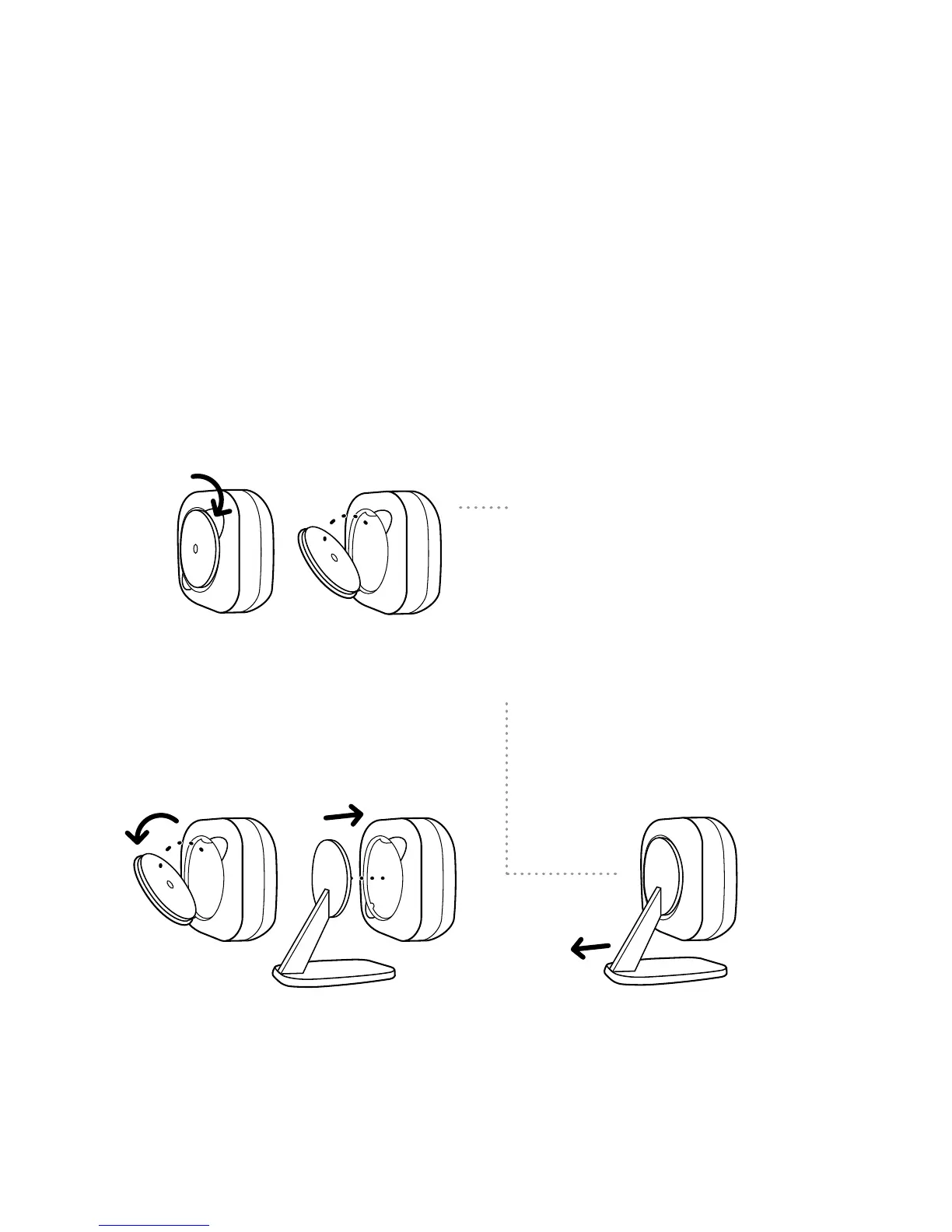
To access the battery, pop the
remote sensor back cover o
using the ridges provided.
To attach the remote sensor
stand, remove the smaller back
cover and pop the stand into
place.
To remove the remote sensor
stand, pull the base outwards.















 To Next Page