Automation
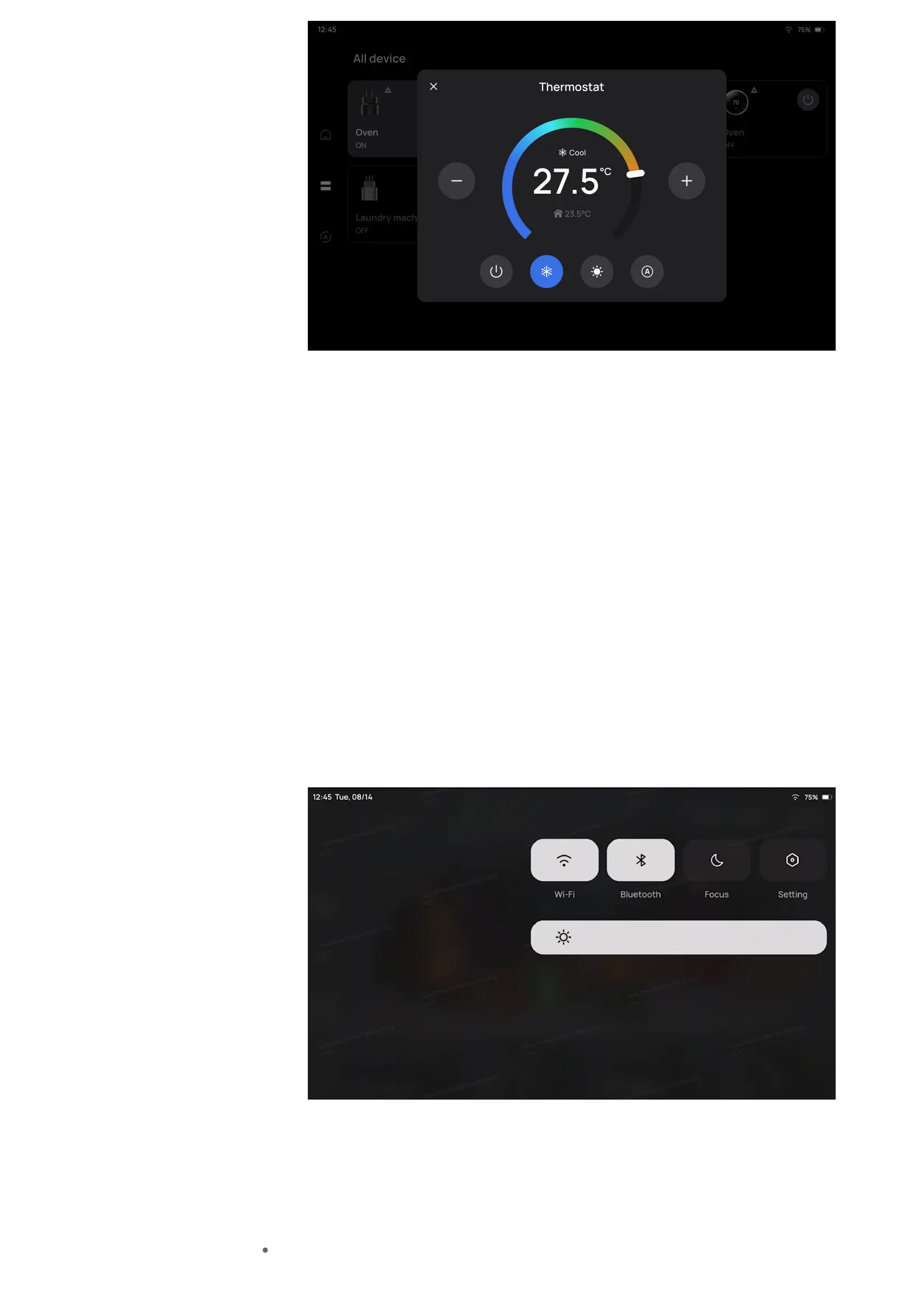
Add automation to the EcoFlow app on your phone, and PowerInsight will
automatically synchronize.
Tap an automation task to execute in the Automation page.
Customize Your PowerInsight
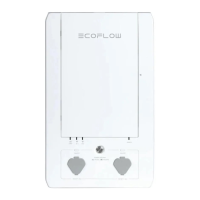
Quick settings
Swipe down from the top-right corner on any page, you can turn on/off Wi-Fi,
Bluetooth, Do Not Disturb, adjust screen brightness, or enter the Settings page for
more settings.
Wi-Fi
On the Wi-Fi page, there are two tabs, internet connection and local area network,
indicating that you may connect PowerInsight to these two types of networks.
Internet connection (WLAN): used for connecting PowerInsight to the internet and



 To Next Page