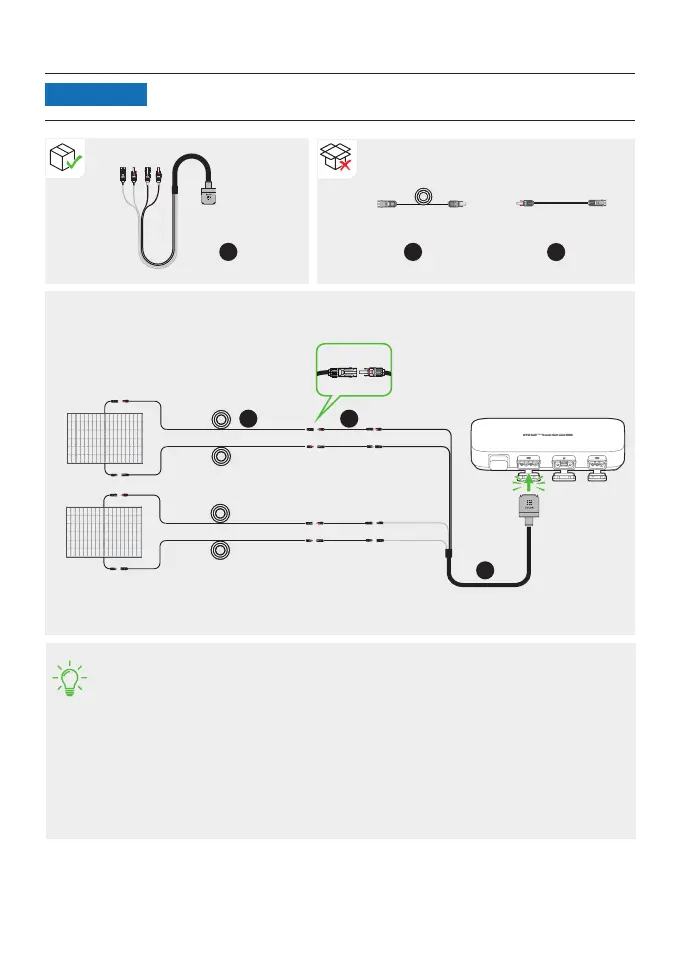
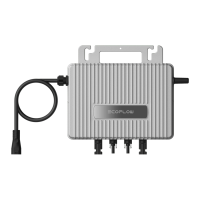
2. Connect with solar panels.
• After the solar panels capture solar radiation, they provide direct current to the
microinverter. At this time, the LED indicator will light up white.
• If you connect several solar panels in series or in parallel as a group, refer to
"Connecting several solar panels in series or in parallel".
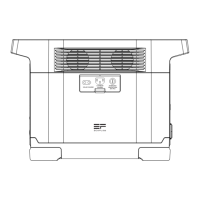
• If you connect the EcoFlow River-series portable power station to the DC port of
the microinverter, it is recommended to connect solar panels to the power
station, otherwise, the energy will not be stored.
For the connection, refer to the user manual of the power station. Download user
manuals at https://www.ecoow.com/eu/support/download/.
400W400W
400W400W
Group 1
Group 2
Solar
panel 2
A BKW-Solar cable includes two groups of MC4 connectors, which can
connect with two groups of solar panels.
NOTICE
Solar
panel 1
9
BKW-Solar cable Extension cable Super flat cable
a
X1
a
b
X4
b
c
X4
c


 To Next Page