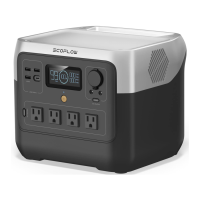
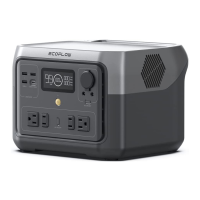
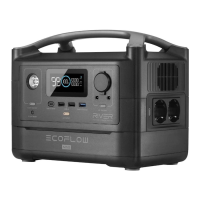
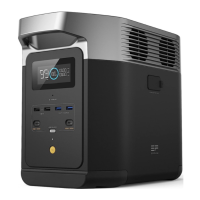
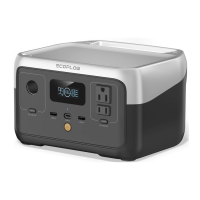
OverviewOverview
11 DC output switchDC output switch Short press once to turn on/o" the DC output socket
22 DC output socketDC output socket
Powers up on-board appliances with a rated power <100W
33 LCD screenLCD screen Displays the real-time ba&ery, input power, output power and other status of the product
44 AC output socketAC output socket
Supports X-Boost feature and powers up devices with a rated power <300W
The types of AC sockets and AC charging cables vary in di"erent countries or regions.The types of AC sockets and AC charging cables vary in di"erent countries or regions.
Please refer to the actual product.Please refer to the actual product.
55 AC output switchAC output switch Short press once to turn on/o" the AC output socket
66
USB-CUSB-C
input/output portinput/output port
Powers up devices or charges the product with a maximum input/output power of 60W


 To Next Page