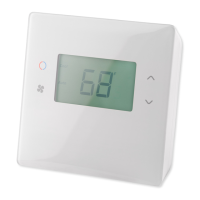
TBZ500 BATTERY POWERED Z-WAVE THERMOSTAT
INSTALLATION INSTRUCTIONS
The Z-Wave Thermostat (TBZ500) is a programmable, Z-Wave communicating thermostat. It can be powered using 24VAC (if
both “R”&”C” wires are available at the thermostat) or using four (4) AA batteries. Using Z-Wave technology, end users have the
ability to use many Z-Wave enabled control panels and Z-Wave hubs to control the thermostat, configure programming settings,
as well as to display current conditions in the home or office.
Features Include:
•
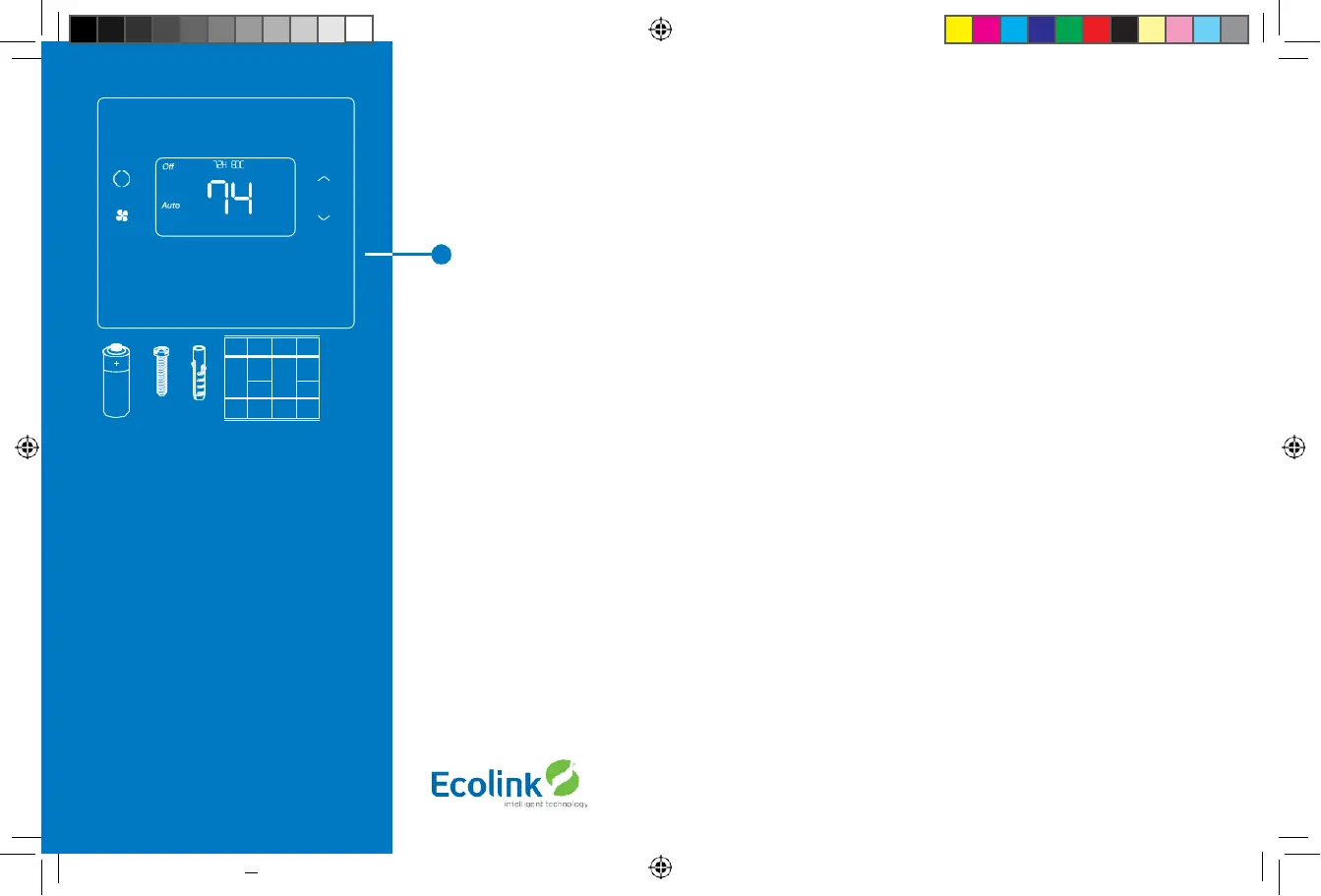
A fixed format display with white backlight
•
Heating and cooling setup display options
•
System mode (OFF, Heat, Cool,Auto, E-Heat)
•
Fan mode control and display (Auto, ON)
•
Changeover type for Heat Pump (HP) systems
•
On-screen setup of HVAC type, Fan type
•
F/C mode, and sensor calibration
Compatible with 24 VAC gas, oil, or electric heating and air conditioning systems;
or gas millivolt heating systems DO NOT USE ON 120VAC SYSTEMS!
Standard Systems
•
1 Stage Heating and Cooling
•
2 Stage Heating and Cooling
Heat Pump Systems
•
1 Stage Heating and Cooling
•
2 Stage Heating and Cooling
•
2nd or 3rd Stage Aux Heating (Electric Heat Strips)
Installation Outline
•
Step 1 Remove Existing Thermostat
•
Step 2 Install TBZ500 Thermostat
•
Step 3 Setup Thermostat to match System Type
•
Step 4 Install into Z-Wave Network
Copyright © Ecolink Intelligent Technology
TBZ500_manual_8_5x5_5_inch Combined_RDN1240221.indd 4 24-02-2021 18:55

 To Next Page
 Loading...