EControls LLC. Confidential and / or proprietary information. Do not copy or distribute without prior written approval.
2.3 Verifying ECOM™ Installation
To verify that the ECOM™ driver is successfully installed and the ECOM™ device itself is properly
connected, confirm the following (see Section 3 for troubleshooting tips):
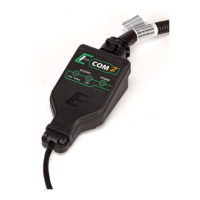
The POWER light on the ECOM
TM
device will turn from red to green.
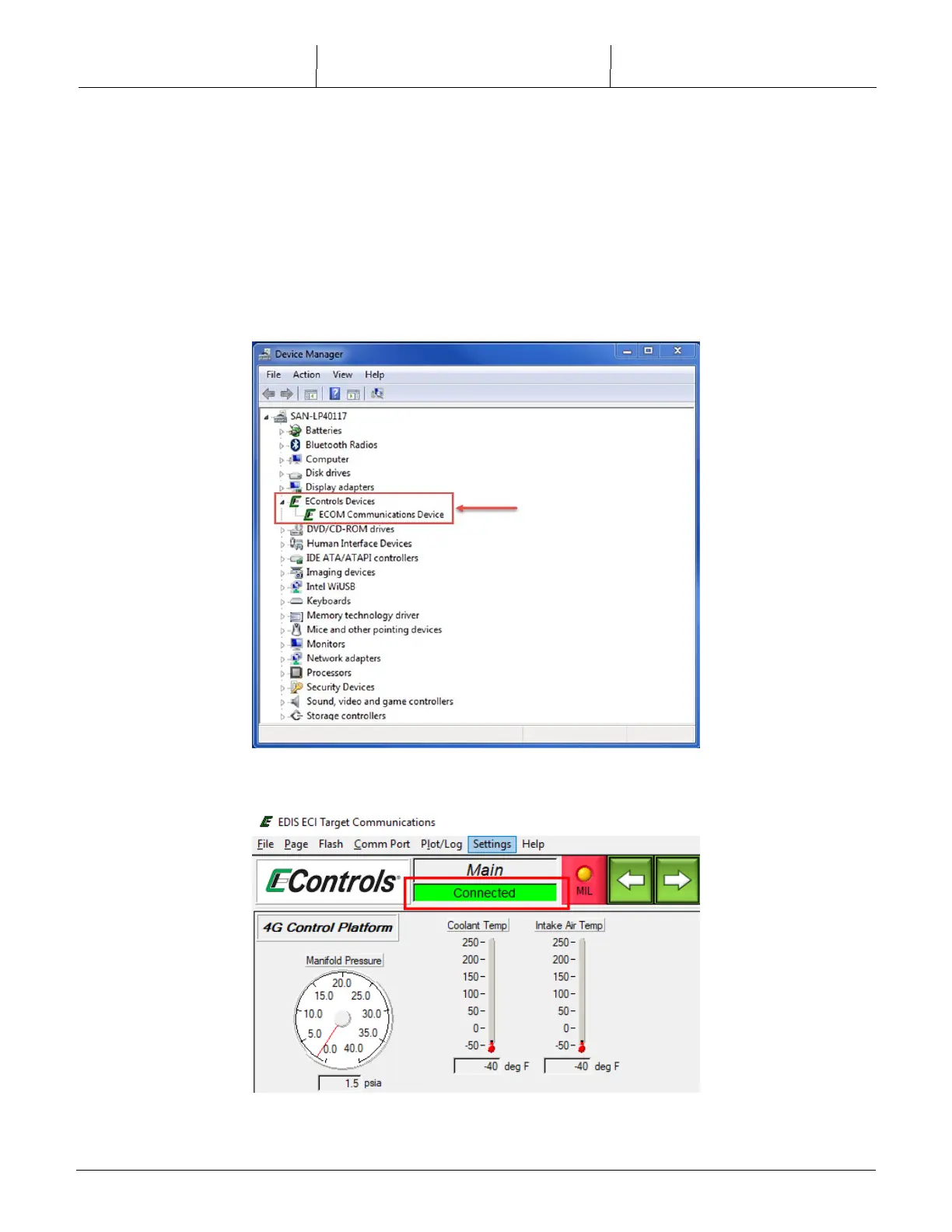
An ‘ECOM Communications Device’ entry should appear in your Windows Device Manager as seen
in the screen shot below.
The EDIS™ Display connection status indicator shows a successful connection.



 To Next Page