eCopy ShareScan
®
Installation and Setup Guide | 233
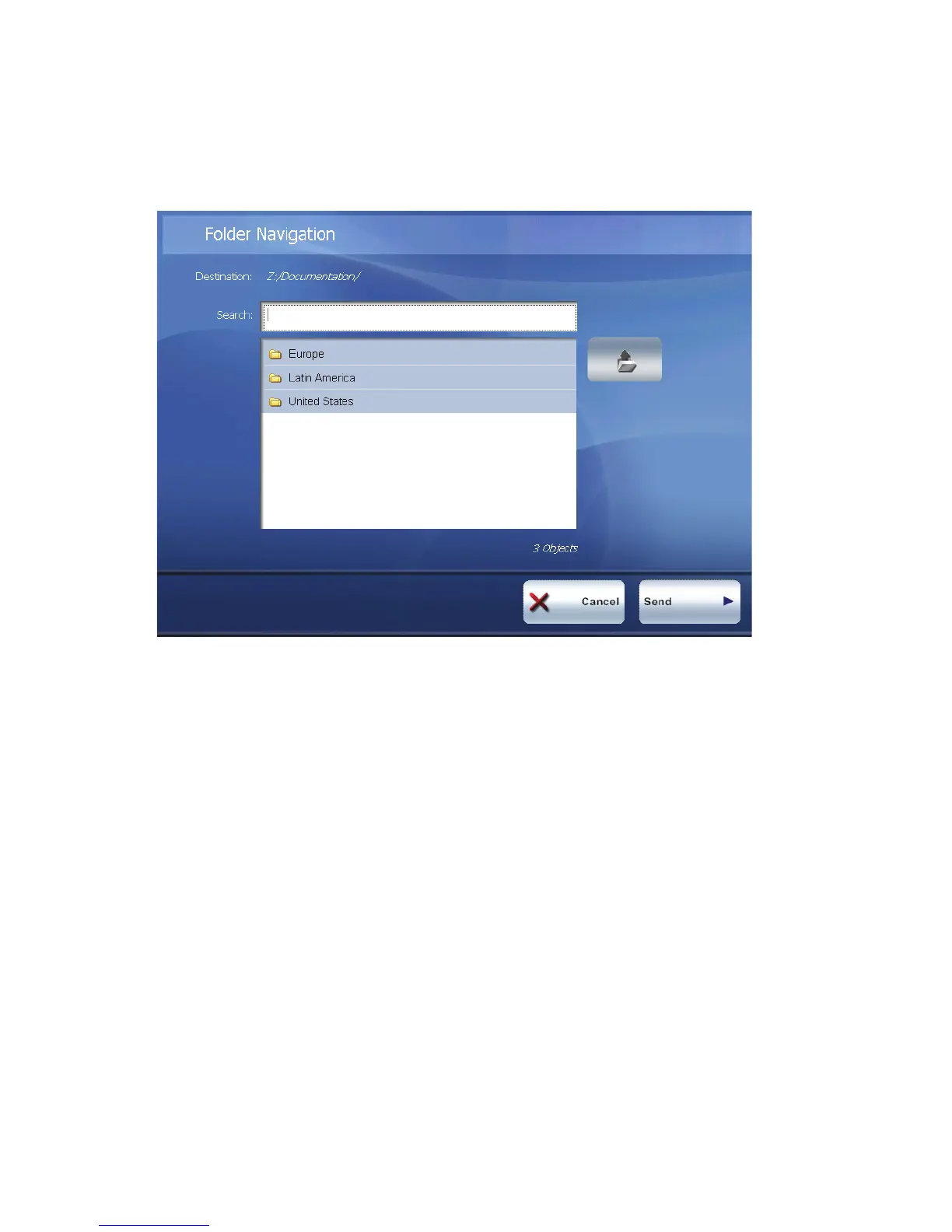
9 If the profile is configured to allow you to send the document to a storage folder, the
Folder Navigation screen appears. Select the storage destination for the scanned
document.
10 Press the delivery button (Send or Next, depending on the client).
11 Select one of the post-scanning options (see Table 58).



 To Next Page