eCopy ShareScan
®
Installation and Setup Guide | 31
Activating connector profiles
This section describes the process of activating a connector profile on a device.
To access the Device Properties pane for a device:
1 In the console tree, select Devices.
2 Select a device.
3 Select Properties.
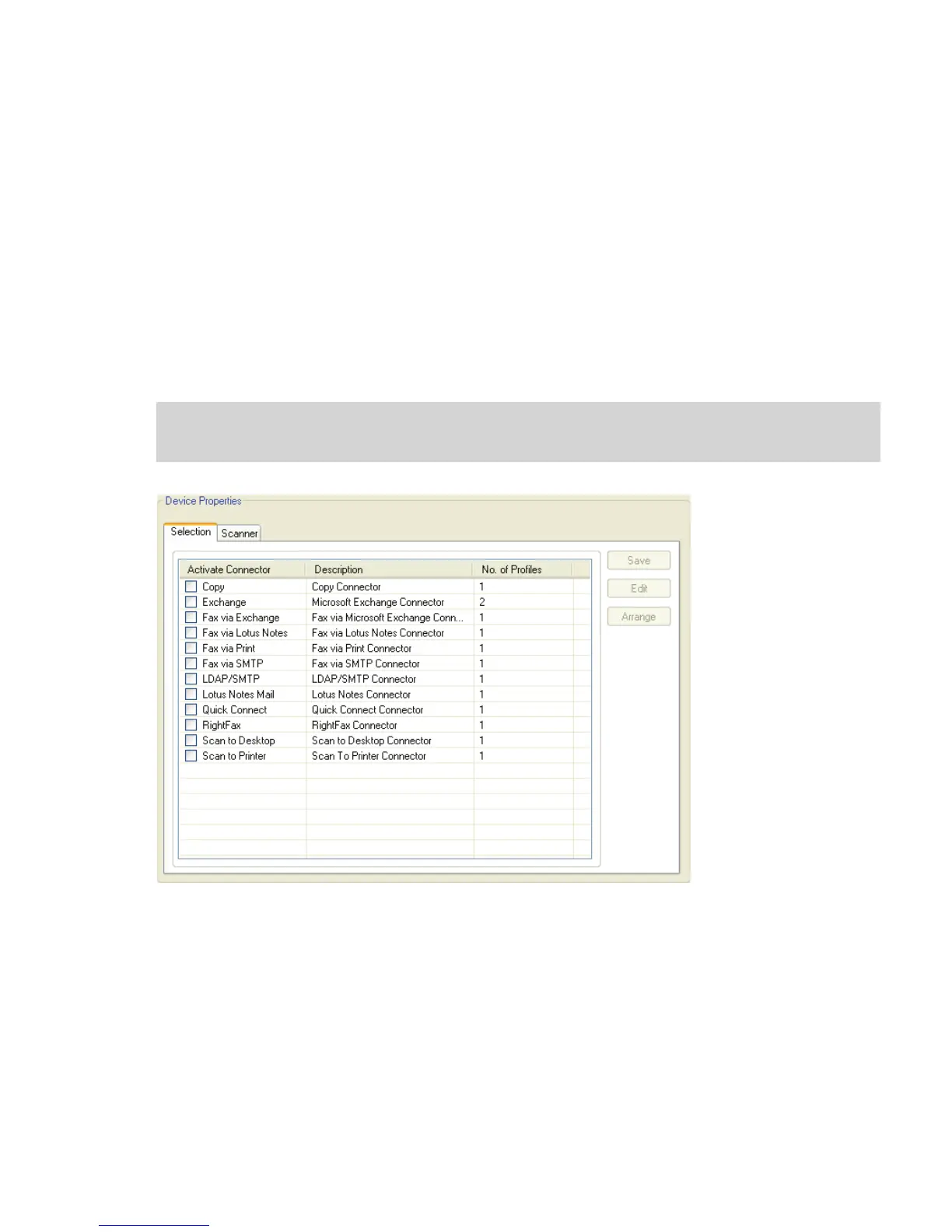
The Device Properties pane displays the list of available connectors and the number of
profiles that have been created for each connector.
Note: The Arrange button enables you to position connector buttons in a particular order on the
device’s touch screen.



 To Next Page