34 | Quick Start: Installing and setting up ShareScan
Configuring and starting the ScanStation
Client
This section provides you with basic information about configuring and starting the ScanStation
Client. For information about managing the Client, see page 191. For information about using
eCopy Connectors, see page 199.
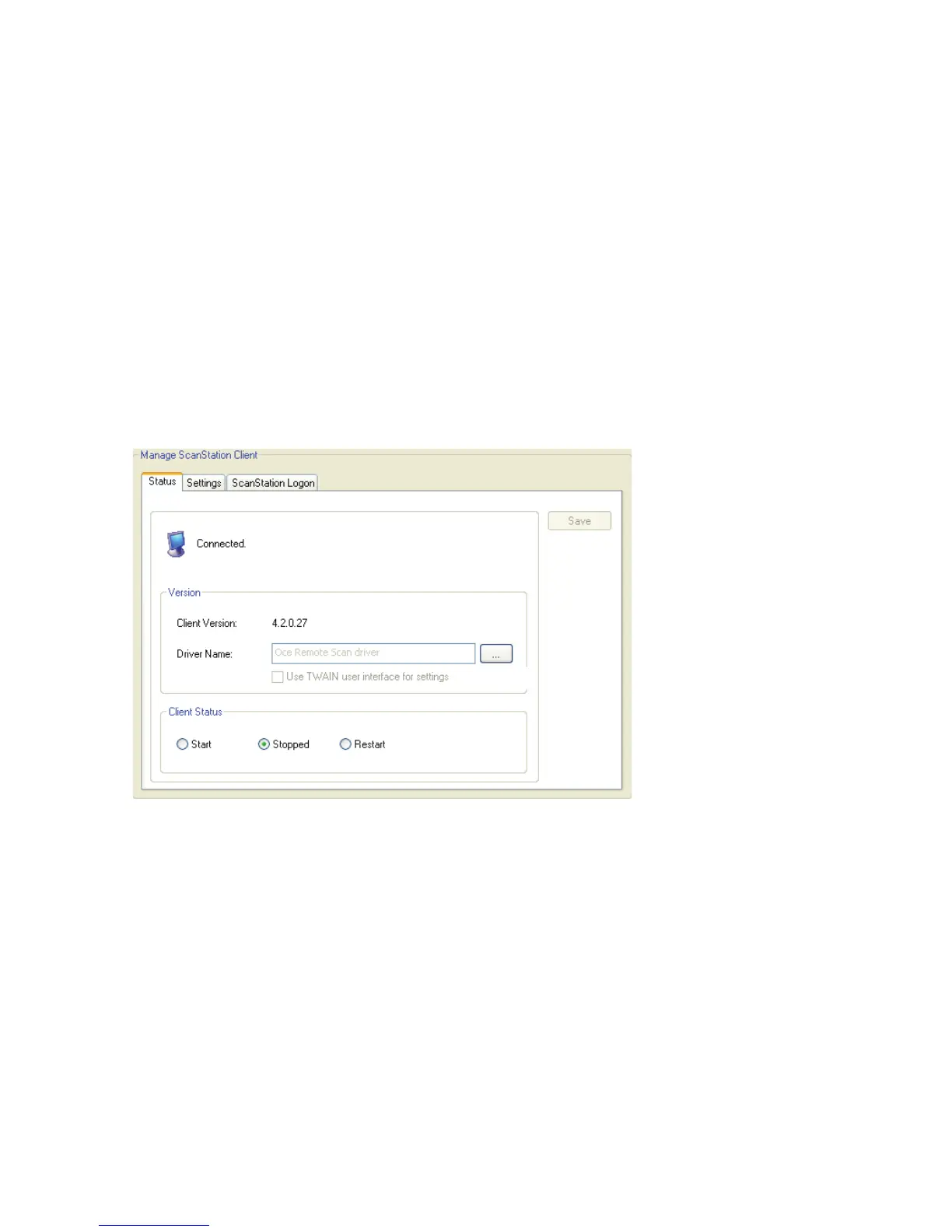
To configure the ScanStation Client:
1 In the console tree, select Devices > <device_name> > Manage.
The Manage ScanStation Client pane appears. The information in the Driver Name
field is based on the product key.



 To Next Page