eCopy ShareScan
®
Installation and Setup Guide | 57
To import files:
1 To access the utility, use either of the following methods:
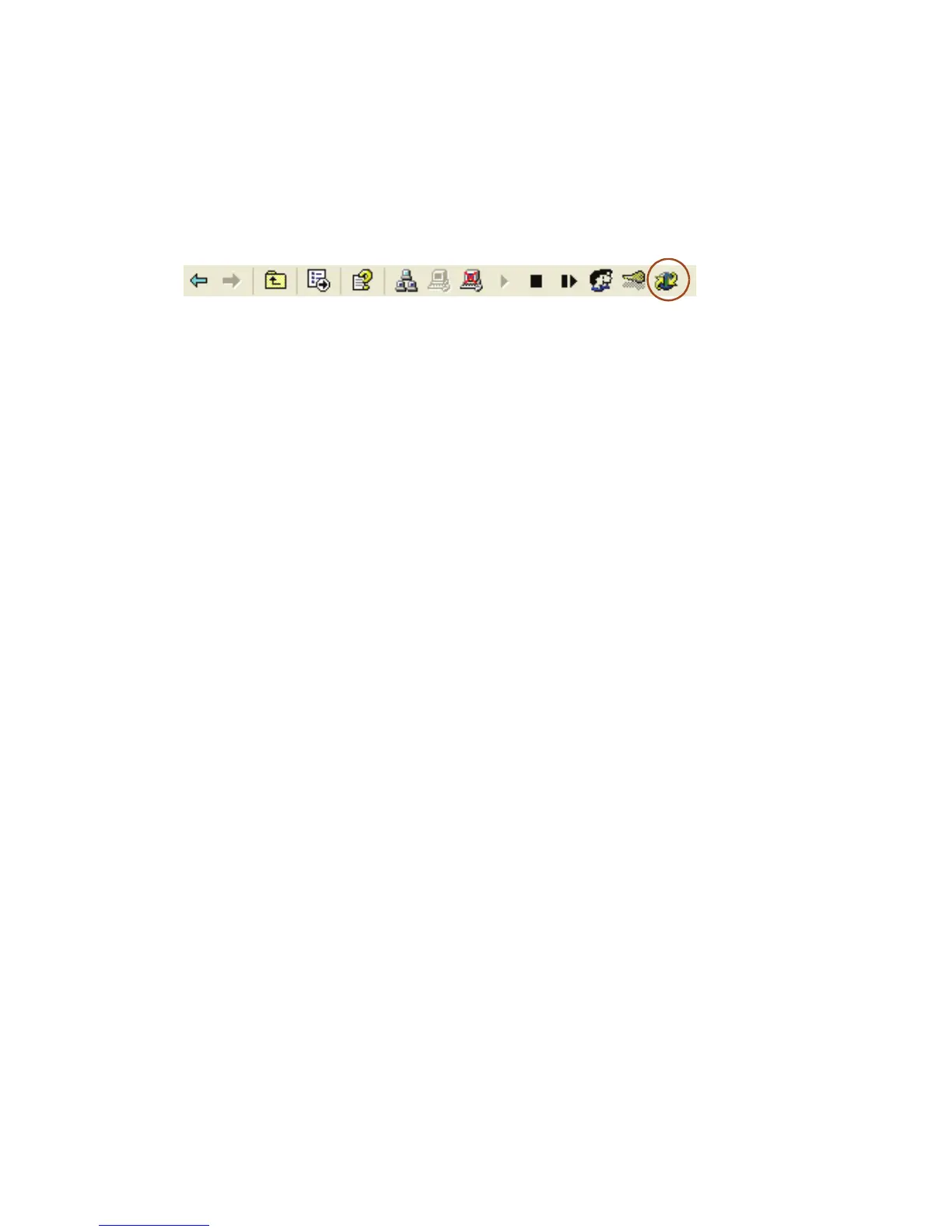
■ Select the Services Manager and then click the Export or Import Profiles icon on the
Administration console toolbar.
■ Right-click the Services Manager and then select Export / Import Utility.
The Export / Import Utility window opens.
2 Click Import configuration.
3 Select the files and connectors to import.
If you are importing files that were exported from another Services Manager, the utility
does not import system data.
4 Select the folder containing the files you want to use.
5 Click Import.
6 Click Yes to shut down the Services Manager while the files are imported.
ShareScan will restart the Services Manager when the import is complete.
7 Click Done.



 To Next Page