82 | Reference: Common configuration information for connectors
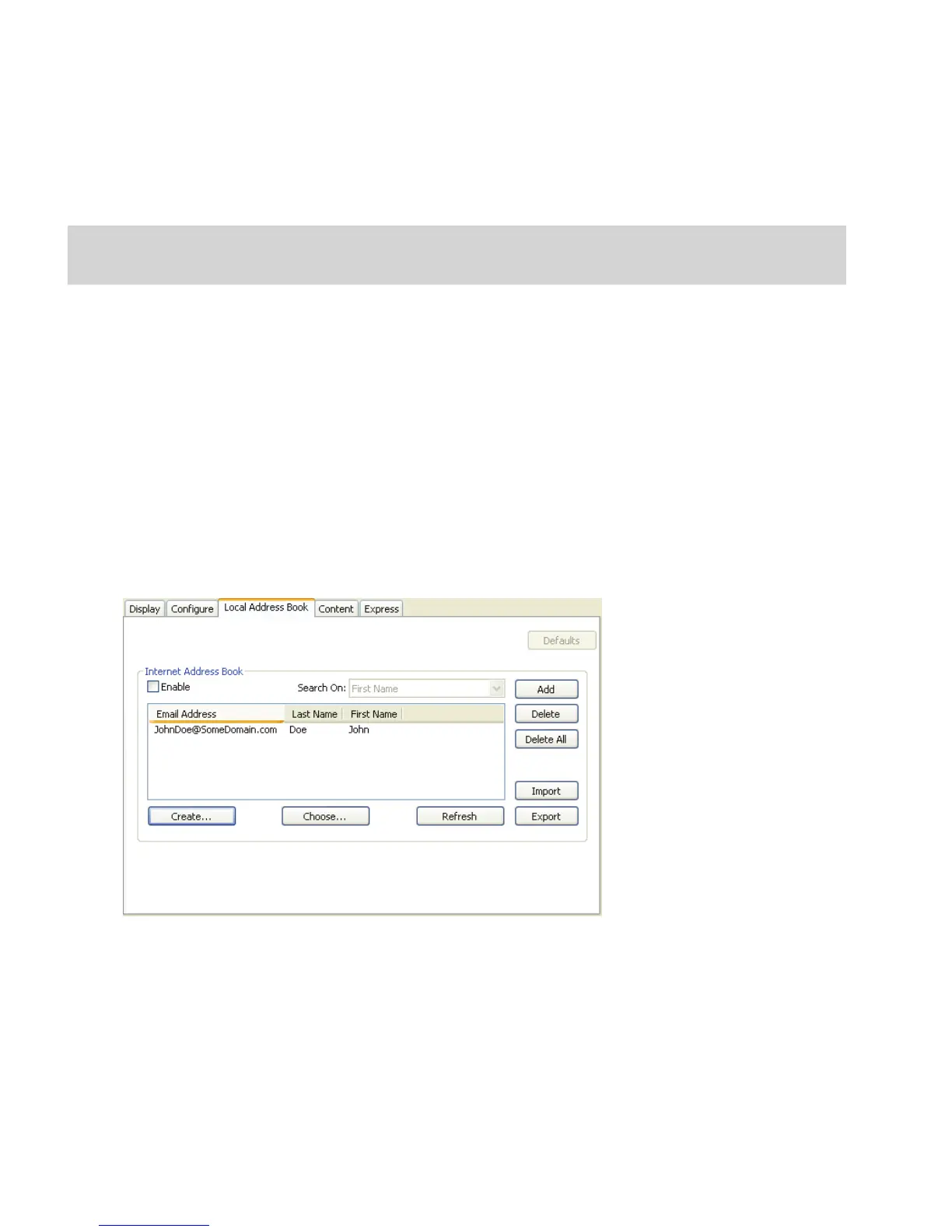
Creating a local address book database
You can create a local address book database on any PC running the Services Manager. Once you
have created the database, it is available to all other Services Managers on the network.
To create a local address book database:
1 In the console tree, select your e-mail or fax connector, select Properties, and then select
the Address Books or Local Address Book tab.
2 Under Local Address Book or under Address Books (for Lotus Notes connectors), click
Create.
The Create an Internet/Fax Address Book Database window opens.
3 Specify the settings (see Table 15) and then click Create.
4 To use the new address book with the current Services Manager, click Connect Now.
After connecting to the database, a sample entry appears.
5 To enable the local address book for use with the connector, select Enable (see Table 16).
6 Click Save, select or specify the profile name, and then click Save.
Note: SQL Server must be running when you create the database.
If you are using a firewall, you must add SQLSERVER.exe and UDP Port 1434 to the exceptions list.



 To Next Page