17 of 42
Function Introduction X62
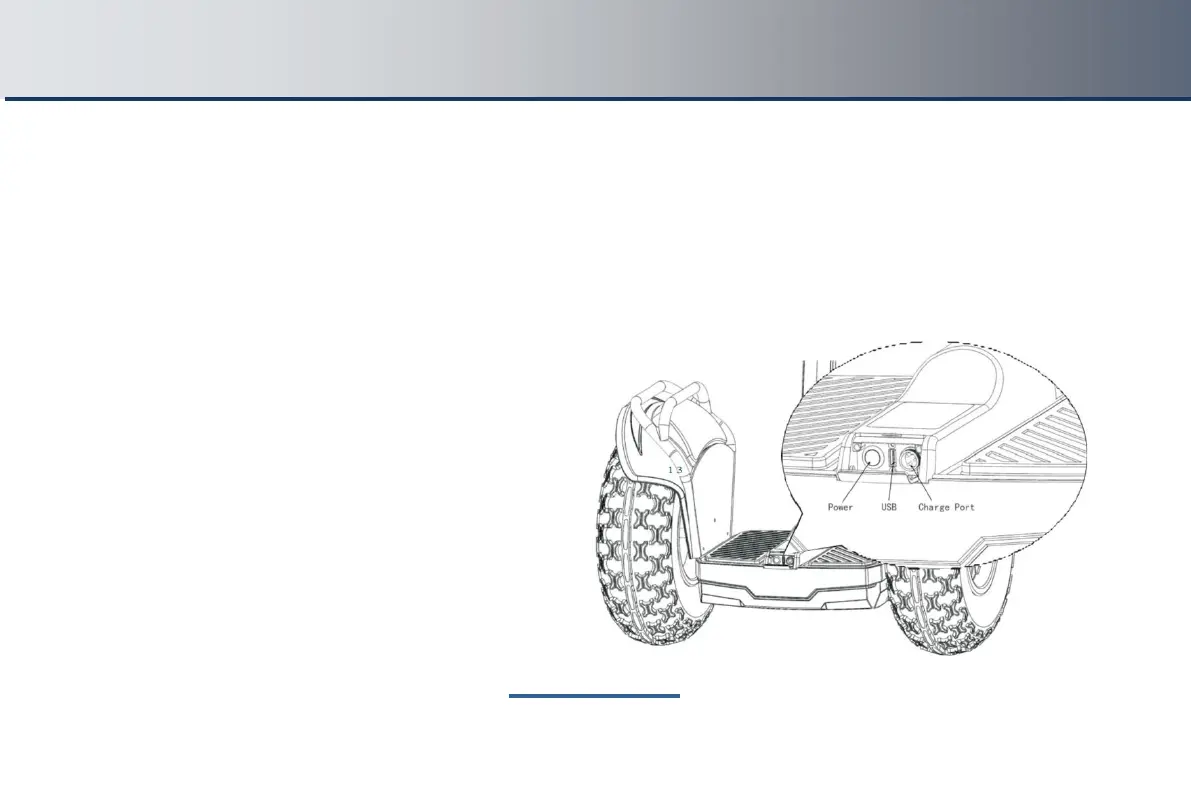
8.2 Power Button, USB Port and Charge Port
At the back of the mainframe of the X62, there is a USB charging port which supports standard USB equipment and
provide 5V/1A current. You can charge the mobile phone or other USB devices with input <150mA charging.
Power switch functions:
a. To turn on the vehicle, press power switch for 2 seconds, and the LED display on the footplate will light up
b. To turn off the vehicle, press power switch for 2
seconds
Power button, charge port and USB port position



 To Next Page