18 of 42
Function Introduction X62
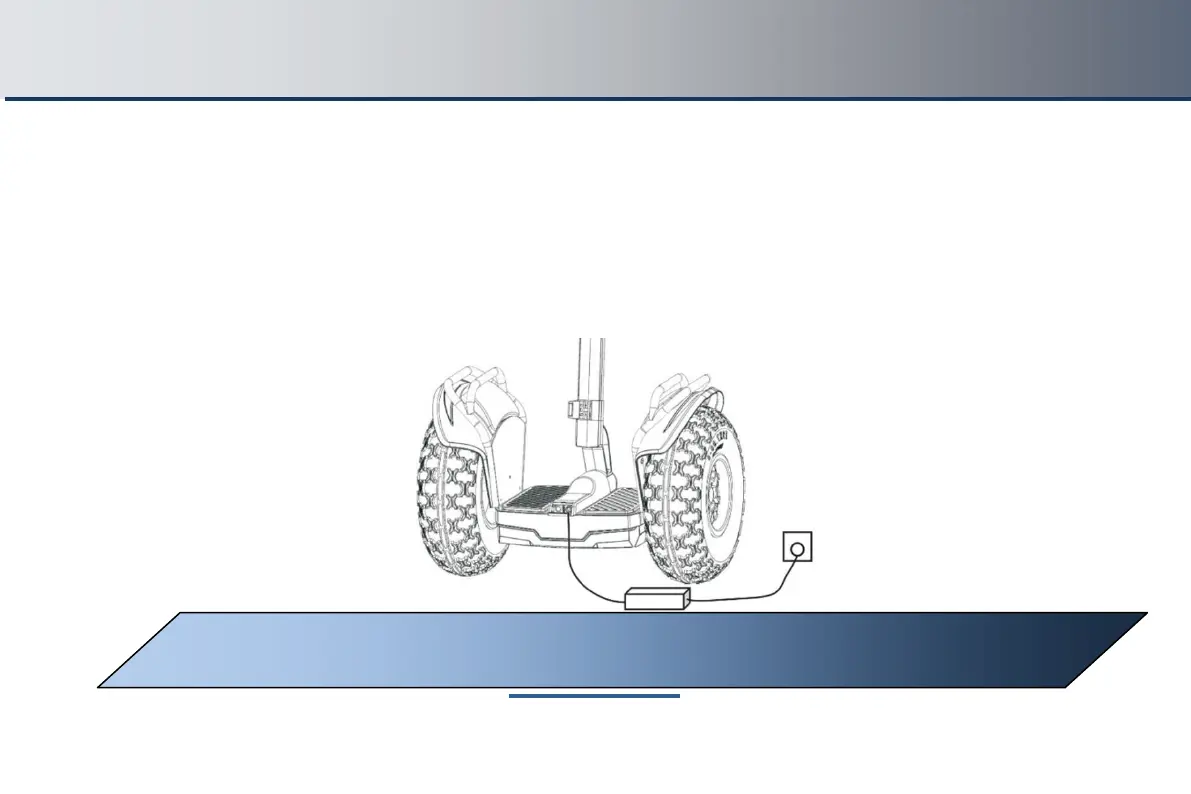
8.3 Charging Method
1st step: Find the charging port at the back of X62 mainframe, open the coverto the charging port, and check that
the charging port is dry
2nd step: Connect the charging port with the charger (100~240V, global common), then plug it into the power AC
supply.
3rd step: When the LED indicator on the charger turns red, it means the scooter is charging normally; when the
indicator turns green, the scooter is fully charged. When fully charged, unplug the charging cable to save the battery
life.
WARNING: For safety reasons, and to prolong the life of the battery, do not leave the
battery plugged in when the unit is fully charged and showing a green light



 To Next Page