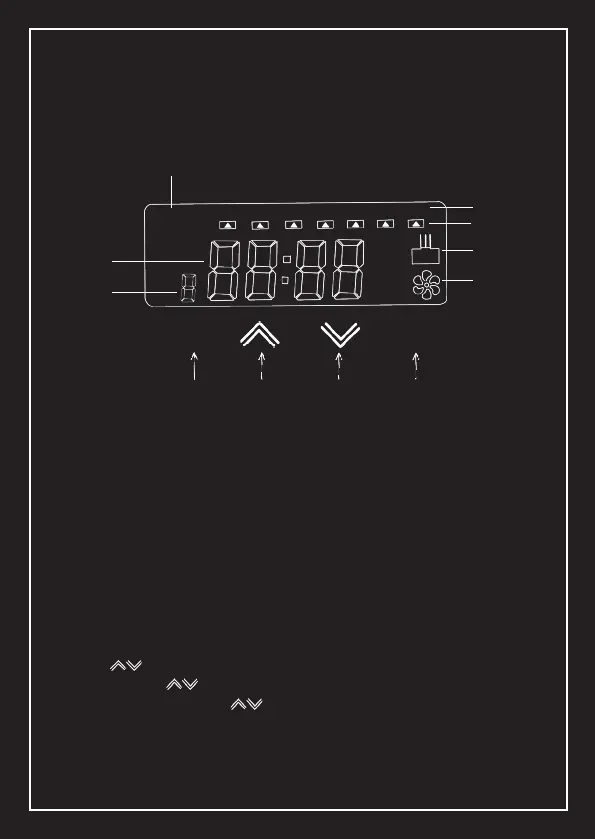
Settings
Power ON
Setting The Time
Connect the power supply, if the screen lights up automacally
it means that the scent delivery system is turned on and can
work as normal.
Press SET for 5 seconds to acvate the me seng interface
press to set the hour. Press SET to conrm and start minute
seng, press to set minutes, press SET to conrm and start
the day seng, press to select the working day, press SET
to conrm and the me seng is end. The system automacally
saves the sengs.
MON
SCENT
WORK
PAUSE
EVENT
ON
OFF
MODE SET
MODE
Week Display
Week Selecon
Atomisaon Work
Display
Current Time
Display
Working Event
Display
Working Mode Display
Fan Operaon
Display
UP DOWN SET
TUE WED THU
FRI
SAT SUN



 To Next Page