Configuration & Programming
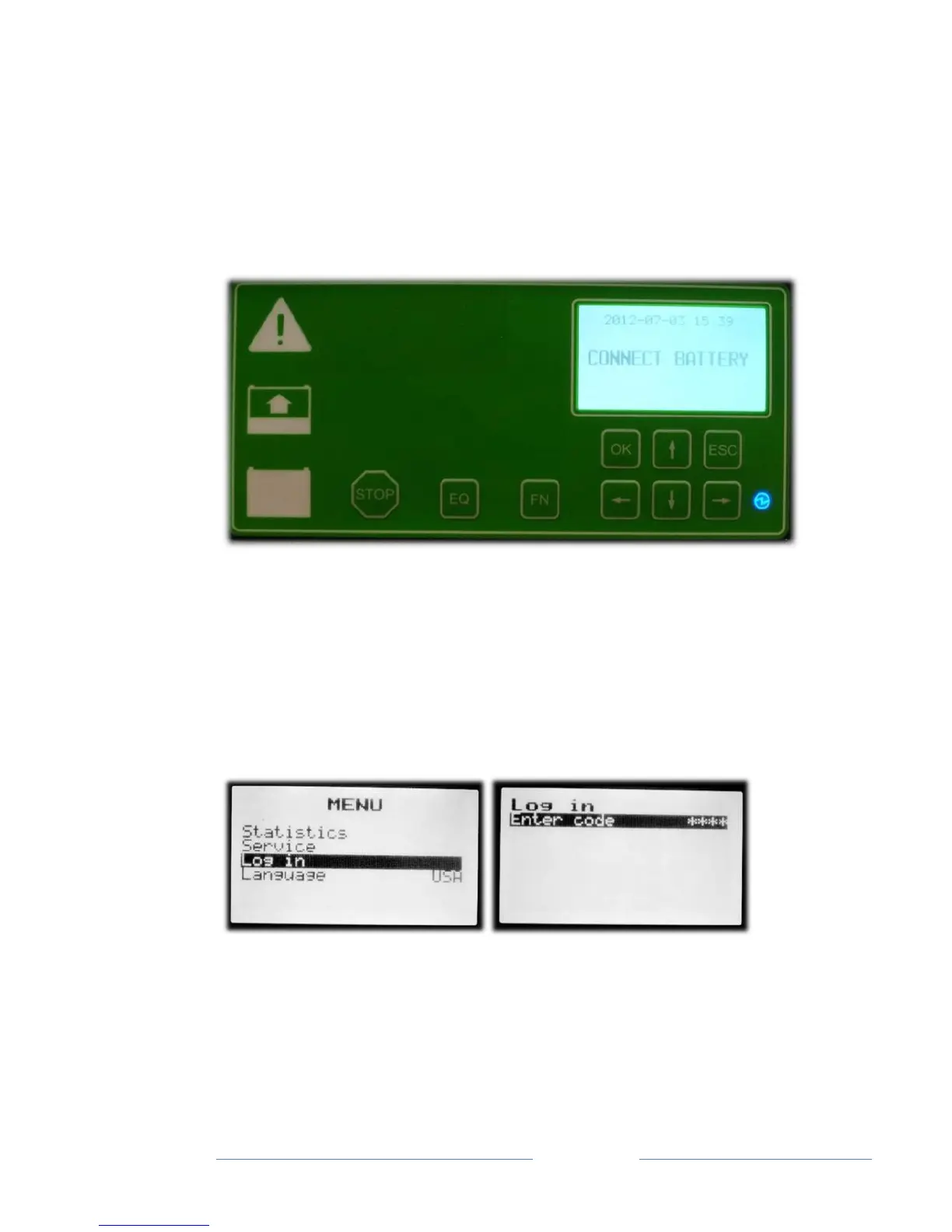
The charger front panel can be used to program charger functions and
charging parameters. The charger display and programming buttons
are shown in Fig. 1 below.
Figure 1
The programming menus are selected and navigated using the “OK”,
“ESC” and arrow buttons. The programming menus can be entered by
pressing the “OK” button.
Top Menu and Logging In
All programmable functions require the entry of a first level password
before the settings can be modified. When selecting a programmable
parameter, the user will be prompted for the first level password. The
first level password is 2451. However the user can also login from the
top level menu screen shown in the left hand screen on the previous
page. Using the arrow keys scroll to “Log in”, press OK and the screen



 To Next Page