The battery is disconnected without the charger being turned
off.
Charging is temporarily reduced when:
The battery charger internal temperature exceeds charger
limits
The battery charger is not in a near vertical position.
Checking Error Messages
When the battery charger’s built-in self-testing function detects a
fault, this is indicated by the alarm indicator being lit on the charger
control panel. The error messages are shown on the charger LCD
display. If there is more than one error message, they are
automatically scrolled.
Make note of any messages and relate them when calling for service.
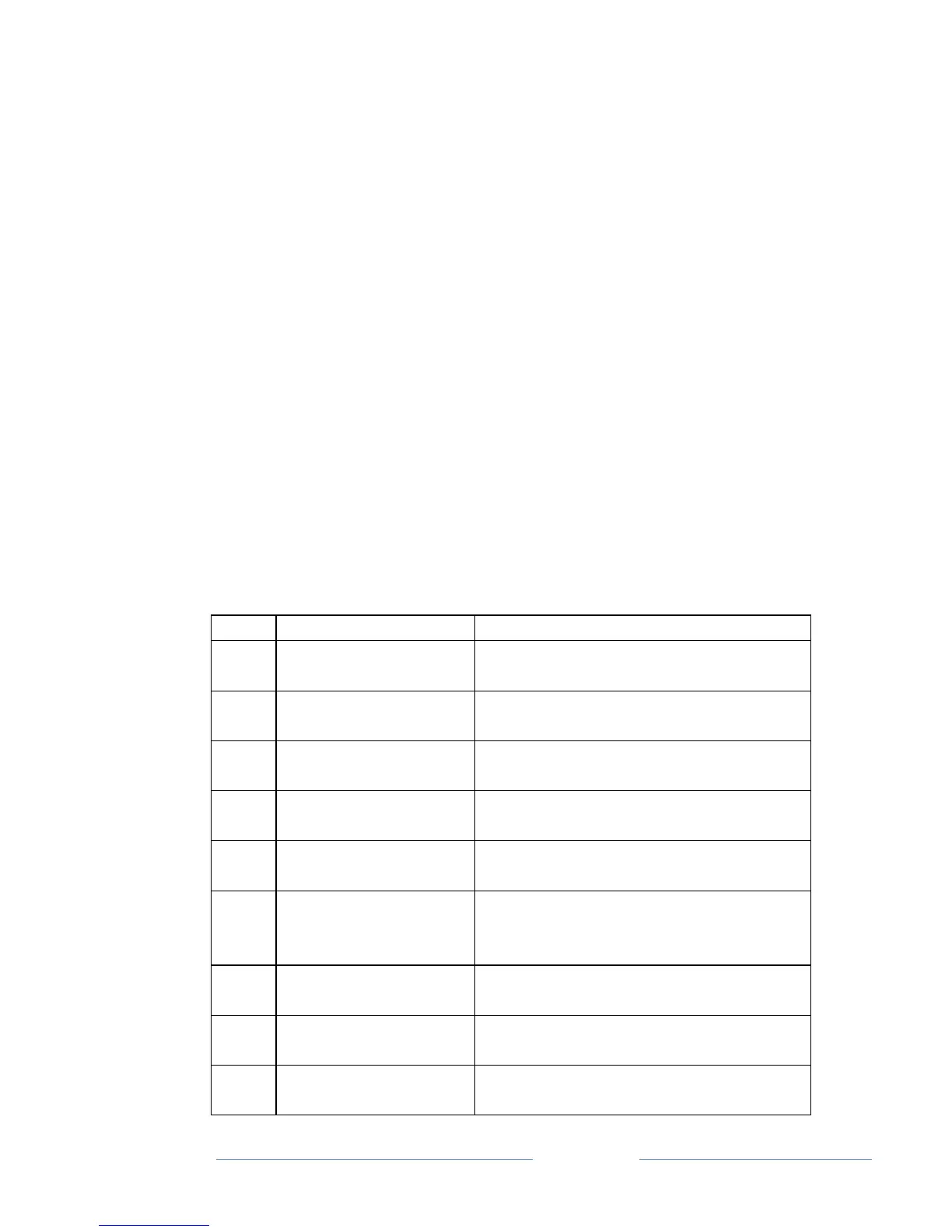
Error Messages
Battery voltage below low limit.
Defined by selected charging curve.
Battery voltage above low limit.
Defined by selected charging curve.
Time limit defined in selected
charging curve.
AH limit defined in selected charging
curve exceeded
Charger not in
upright position
High battery voltage
power unit shut off
Battery voltage is above charger high
limit. Defined by selected charging
curve
An AC input voltage phase is missing
from the input supply.
Error in power unit control circuits.
Heat sink temperature is above low
limit.



 To Next Page