INSTRUCTIONS MANUAL
-76-
SETUP HEADER PRINT
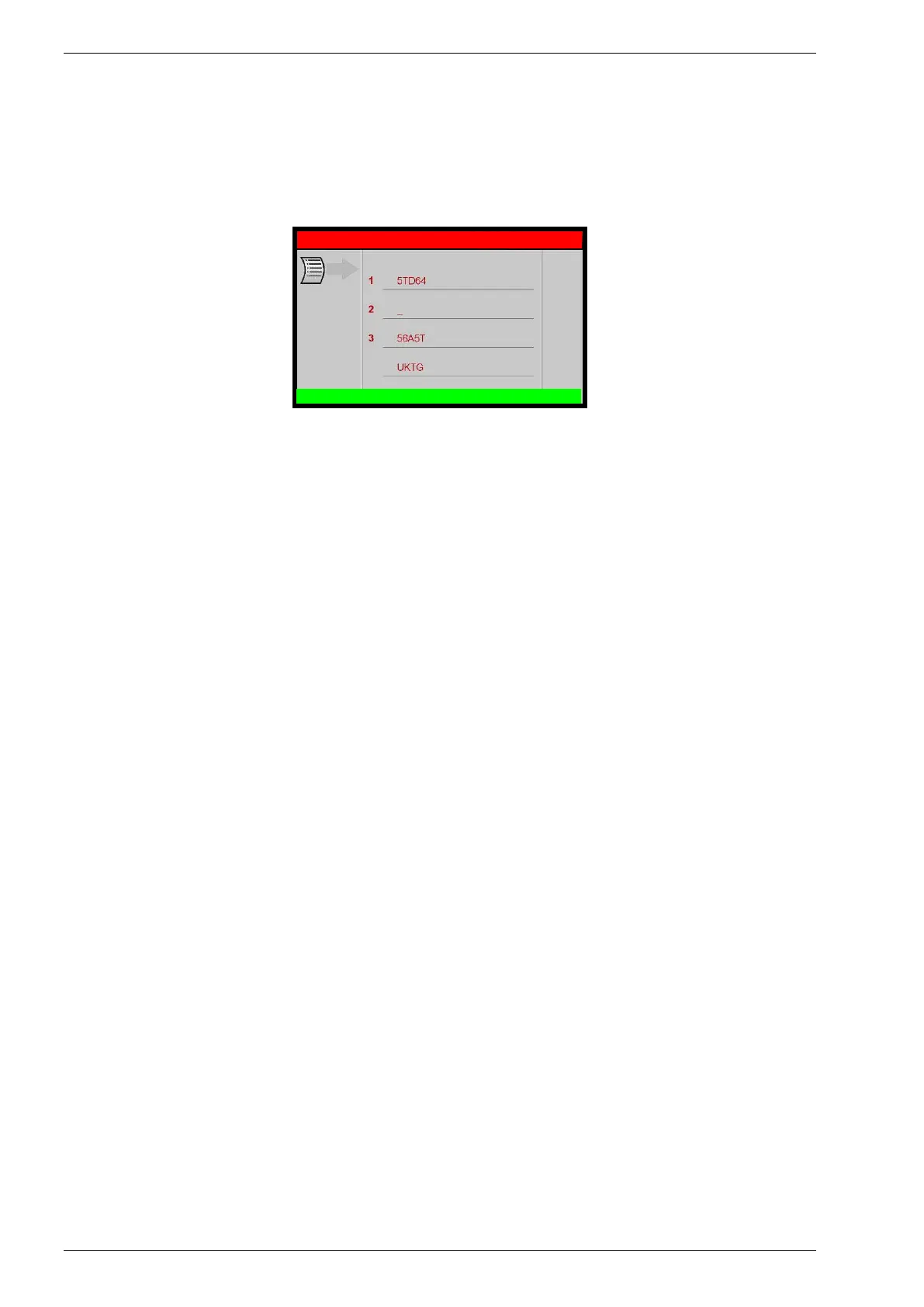
The printout can be personalized by entering 4 lines containing the workshop’s details (e.g.
Name, address, telephone n° and e-mail).
From the SETUP, select SETUP HEADER PRINT:
Use the keypad to modify the 4 lines, then press BACK to return to SETUP menu.
NOTE: the numerical keys include an alphabet that is used similar to text messaging; for
example: press “2” once to display “A”, twice to display “B”, three time for “C”, four time for “2”
R134a SETUP
SETUP HEADER PRINT



 To Next Page