7
EN
1. Important Safety Instructions
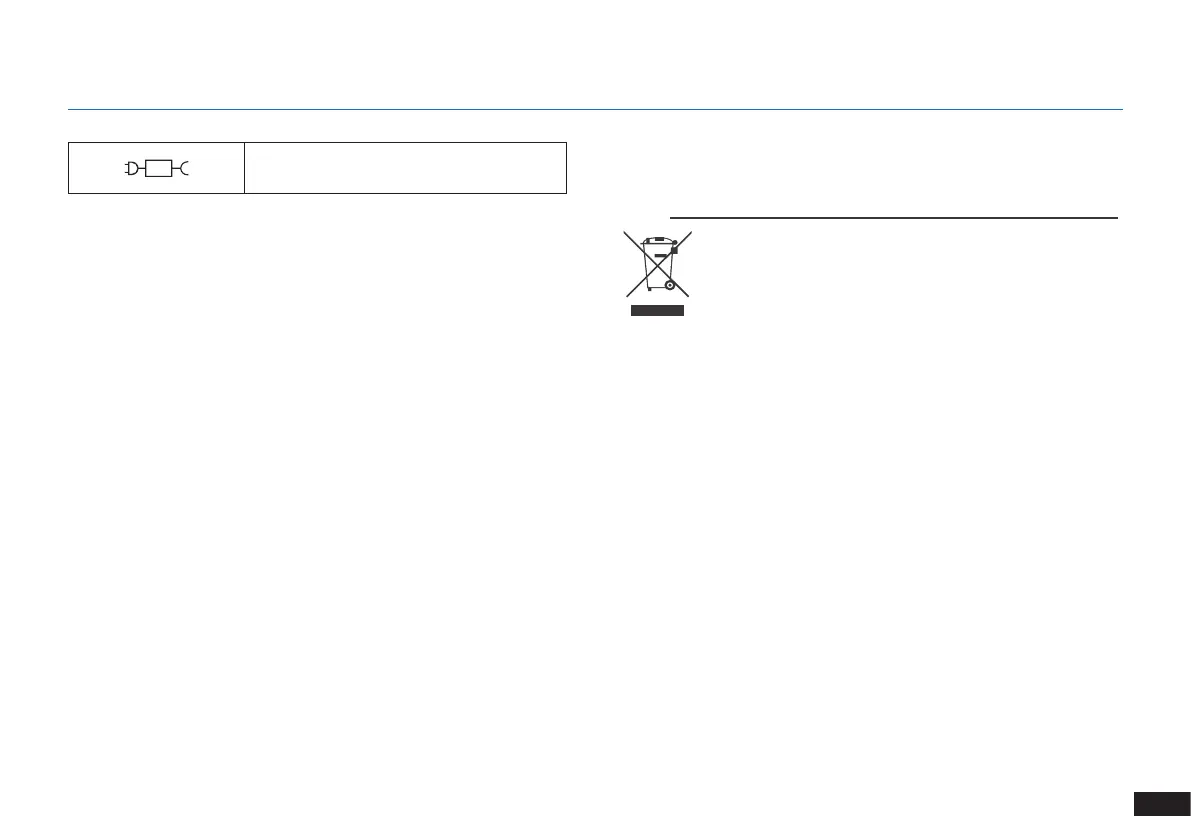
Correct Disposal of this Product
This marking indicates that this product should
not be disposed of with other household
waste throughout the EU. To prevent possible
harm to the environment or human health
from uncontrolled waste disposal, recycle it
responsibly to promote the sustainable reuse of
material resources. To recycle your used device,
please use the return and collection systems
or contact the retailer where the product was
purchased. They can safely recycle this product.
For EU Countries
SAVE THESE INSTRUCTIONS
To disable Wi-Fi module on DEEBOT, power the
robot ON.
Place the robot on the Docking Station making
sure the Charging Contacts on DEEBOT and the
Docking Station Pins make a connection.
Press and hold the AUTO Mode Button on the
robot for 10 seconds until DEEBOT emits 3
beeps.
To enable Wi-Fi module on DEEBOT, power
the robot OFF and then power ON. The Wi-Fi
module is turned on when DEEBOT is restarted.
For EU Declaration of Conformity information,
visit https://www.ecovacs.com/global/compliance
detachable supply unit



 To Next Page