14
Single Room Mode
This mode is used when DEEBOT only needs to
clean a single room with a maximum size of 30 m
2
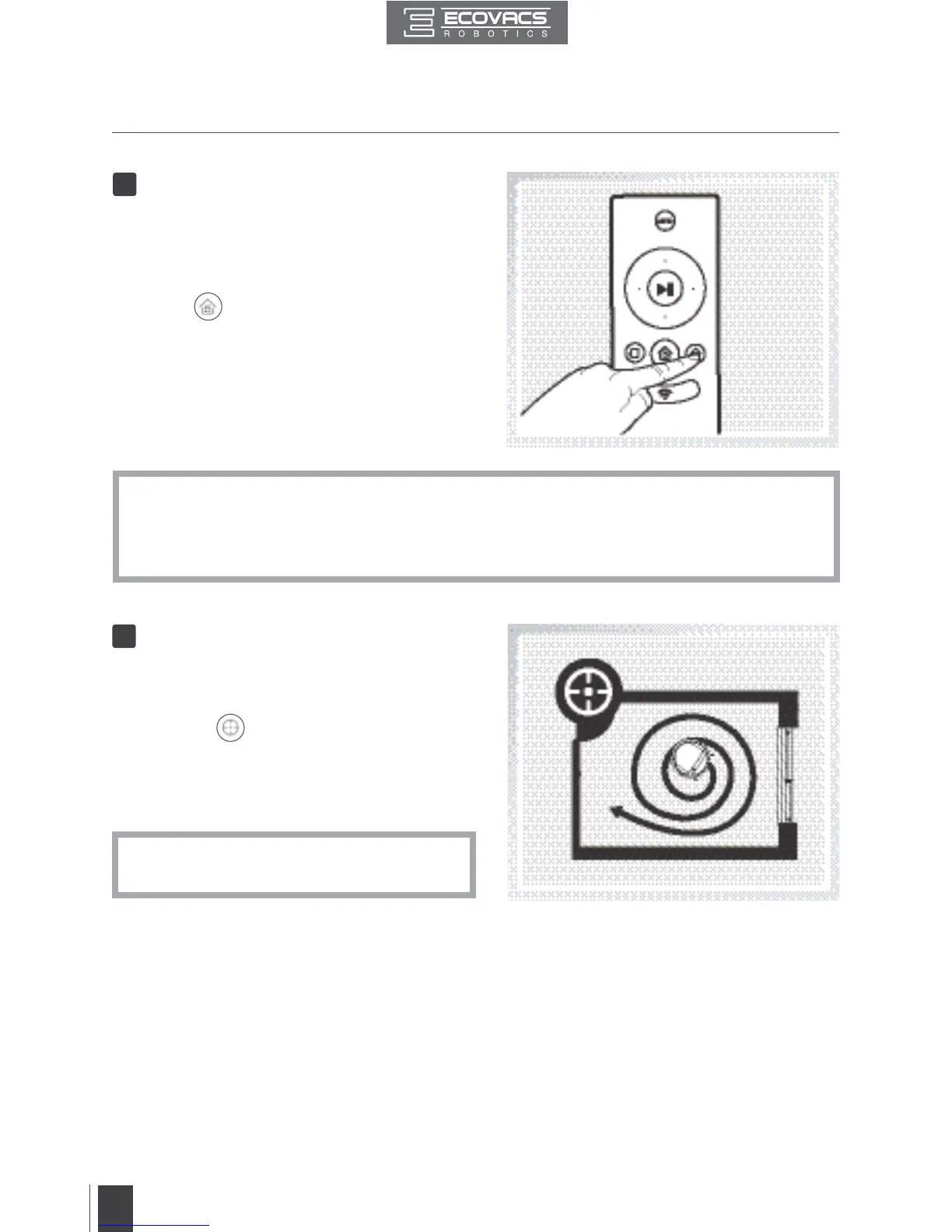
(323 sq ft). To start Single Room Cleaning Mode,
press the Single Mode Button on the Remote
Control or
on the App main screen. DEEBOT
starts to clean in Single Room Mode, and returns to
its starting point when it completes cleaning.
2
*
Single Room Cleaning Mode cleans using the set Cleaning Pattern. Random Cleaning Pattern
is best for carpet. Programmed Cleaning Pattern is best for bare oors.
*
The room must be contained for Single Room Mode to function properly. Close doors to the
room entrance and exit to contain the room.
Spot Cleaning Mode
(2-5 minutes)
This mode is applicable for a small area of highly
concentrated dirt or dust. To start Spot Cleaning
Mode, press
on the App main screen. In
Spot Cleaning Mode, DEEBOT focuses on a
specific area to clean. DEEBOT cleans the area
in a spiral pattern and returns to its starting point
when it completes cleaning.
3
*
Spot Cleaning Mode can only be started
using the App.
3. Operating and Programming











 To Next Page