5. Indicator Light
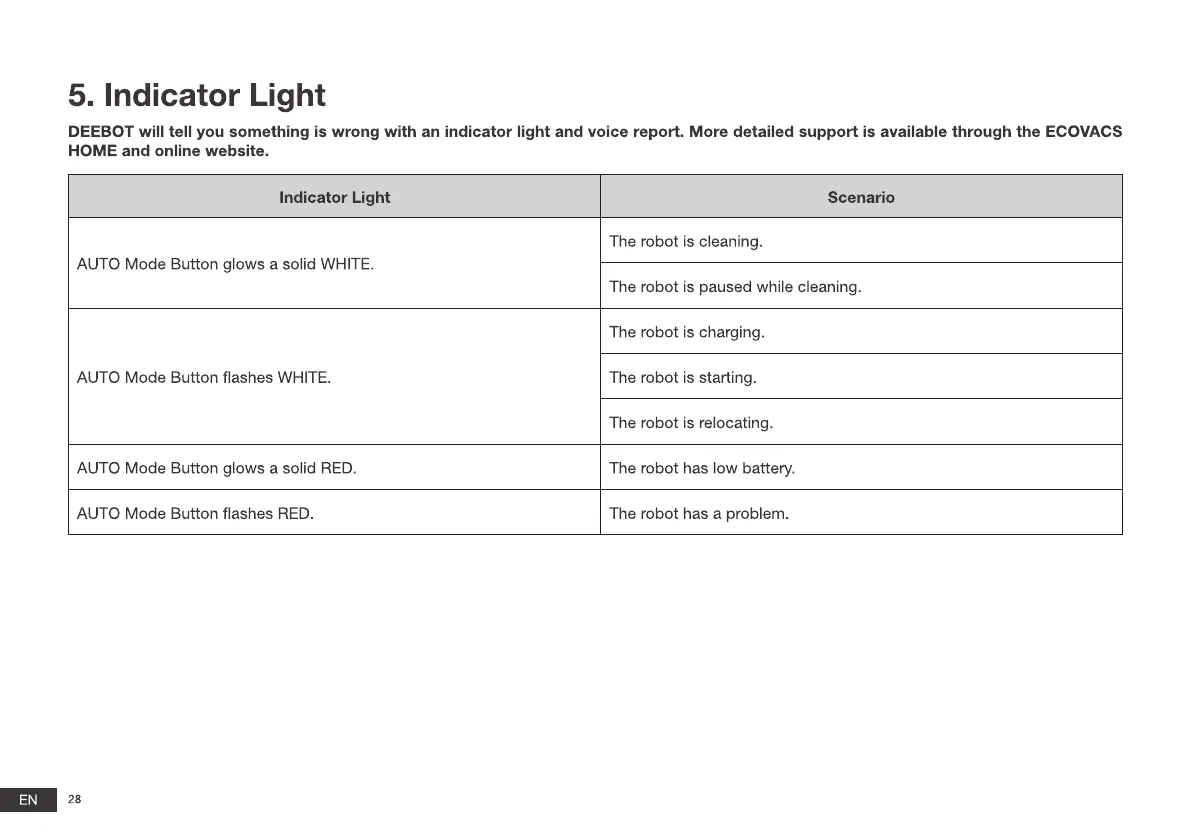
DEEBOT will tell you something is wrong with an indicator light and voice report. More detailed support is available through the ECOVACS
EN
HOME and online website.
Indicator Light
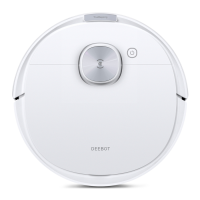
AUTO Mode Button glows a solid WHITE.
AUTO Mode Button flashes WHITE.
AUTO Mode Button glows a solid RED.
AUTO Mode Button flashes RED.
28
Scenario
The robot is cleaning.
The robot is paused while cleaning.
The robot is charging.
The robot is starting.
The robot is relocating.
The robot has low battery.
The robot has a problem.







 To Next Page