EasyManua.ls Logo

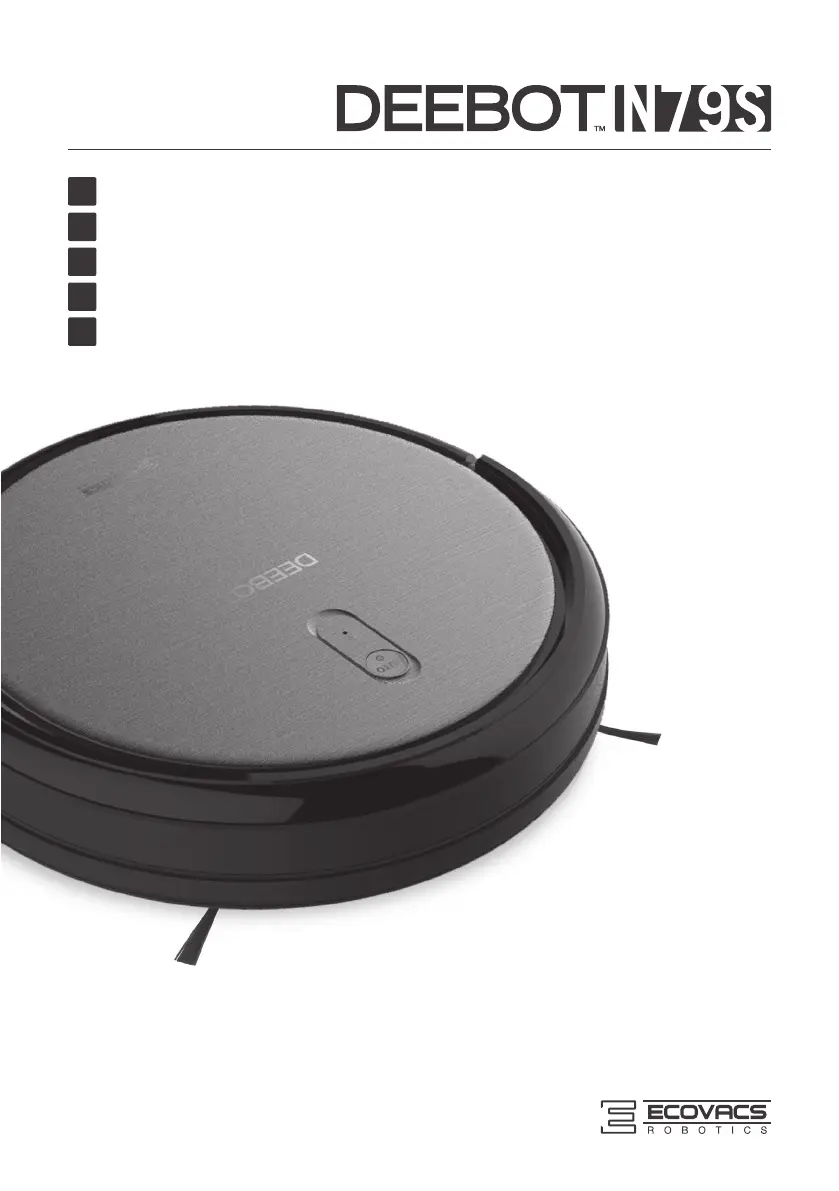
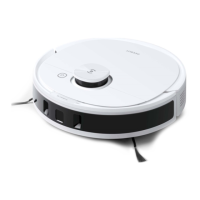
ECOVACS DEEBOT N79S - User Manual

ECOVACS DEEBOT N79S
132 pages
Print Icon
To Next Page IconTo Next Page
Loading...
Instruction Manual
EN
Manuel d'instructions
FR
Benutzerhandbuch
DE
Manuale d'uso
IT
Manual de instrucciones
ES

Table of Contents

Questions and Answers

  • J
    Jose WoodwardJul 28, 2025
    Why my ECOVACS Vacuum Cleaner DEEBOT will not charge?
    • A
      Amanda CaldwellJul 28, 2025
      If your ECOVACS Vacuum Cleaner isn't charging, first, ensure it's powered ON by pressing and holding the AUTO Mode Button. Check that the Charging Contacts on the DEEBOT are properly connected to the Charging Dock Pins; manually adjust the robot's position if needed. Also, make sure the Charging Dock is plugged in and the DEEBOT is powered ON to avoid battery drain. Keeping your DEEBOT on the Charging Dock ensures it remains fully charged and ready for use.
  • C
    Courtney HuertaAug 4, 2025
    What to do if my ECOVACS Vacuum Cleaner DEEBOT gets stuck?
    • J
      Jessica RodgersAug 4, 2025
      If your ECOVACS Vacuum Cleaner gets tangled and stops, it could be caught on something like electrical cords or carpet fringe. The DEEBOT will try to free itself. If it can't, manually remove the obstacle and restart it. Also, check if the Side Brush is stuck or rotating slowly due to debris; remove any tangled debris. If the Side Brush continues to rotate slowly, contact Customer Service. Similarly, if the Main Brush is stuck or slow, remove debris using the provided Multi-Function Cleaning Tool; contact Customer Service if the issue persists.
  • B
    brycemasseyAug 11, 2025
    Why ECOVACS Vacuum Cleaner DEEBOT will not clean at scheduled time?
    • J
      Jimmy BarrettAug 11, 2025
      If the ECOVACS Vacuum Cleaner isn't cleaning automatically at the scheduled time, it could be due to several reasons. First, check if the Time Scheduling function is cancelled and reset it as described in section 3.4. Ensure the DEEBOT is powered ON. A low battery can also prevent scheduled cleaning; keep the DEEBOT powered ON and on the Charging Dock for a full battery. Lastly, debris tangled in the robot’s components can cause issues. Power OFF the DEEBOT, clean the Dust Bin, invert the robot, and clean the Side Brushes and Main Brush as described in section 4.
  • J
    jose45Aug 20, 2025
    How to fix ECOVACS Vacuum Cleaner remote control failure?
    • B
      Bryan WeberAug 20, 2025
      If the Remote Control for your ECOVACS Vacuum Cleaner isn't working, first replace the batteries, ensuring they are correctly installed. Make sure the DEEBOT is powered ON and fully charged. Clean the Infrared Emitter on the Remote Control and the Infrared Receiver on the DEEBOT with a dry cloth. Avoid using the Remote Control near other equipment that emits infrared signals, as this can cause interference.

Summary

Important Safety Instructions

Package Contents and Technical Specifications

Package Contents

Lists all items included in the product package.

Specifications

Details technical parameters of the robot and its components.

Product Diagram

Illustrates the robot, control panel, and charging dock with labeled parts.

Operating and Programming

Notes Before Cleaning

Advises on preparing the cleaning area and potential obstacles.

Quick Start

Guides through initial setup like charging dock placement and brush installation.

Cleaning Mode Selection

Explains different cleaning modes like Auto, Spot, Edge, and Single Room.

Programming the Robot

Details how to set cleaning schedules and the current time using the remote.

Indicator Light and Alarm Sounds

Explains the meaning of indicator lights and different alarm sounds.

Maintenance

Dust Bin and Filters

Instructions for cleaning and maintaining the dust bin and filters.

Main Brush and Side Brushes

Guides on cleaning the main and side brushes for optimal performance.

Other Components

Covers maintenance for universal wheel, sensors, and charging contacts.

Regular Maintenance

Provides a schedule for routine maintenance and part replacement.

Troubleshooting

EU-Declaration of conformity

ECOVACS DEEBOT N79S Specifications

General IconGeneral
BrandECOVACS
ModelDEEBOT N79S
CategoryVacuum Cleaner
LanguageEnglish

Related product manuals