4.4 Setting for RF Channels
During normal display mode, press 【CH/+】to
select outdoor sensor display in the following
5.Sensor Resynchronization
when the remote sensor lost reception or extra
sensors to be added, press both the 【CH/+】
and 【MODE】 buttons at the same time for five
While in the search mode, the reception search
6.Best Practices for Wireless
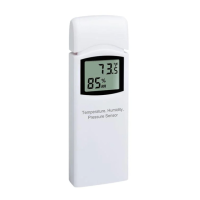
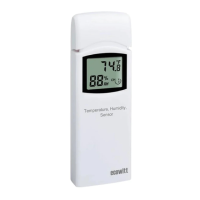
Note: To insure proper communication, mount
the remote sensor on a vertical surface, such as
a wall. Do not lay the sensor flat.
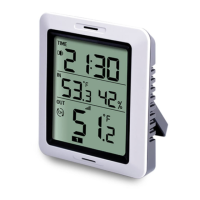
Keep the console several feet away from
computer monitors and TVs.


 To Next Page