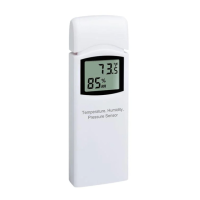
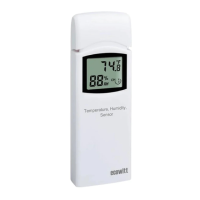
3. Insert one AA battery.
4. After inserting the battery, the remote sensor
LED indicator will light for 4 seconds, and
then flash once per 60 seconds thereafter.
Each time it flashes, the sensor is transmitting
5. Close the battery door.
2.4 Display Console Set Up
1. Move the remote thermometer(s) about 2 to
3m away from the display console (if the
sensor is too close, it may not be received by
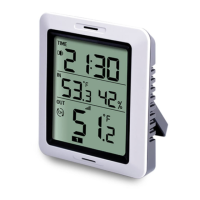
2. Remove the battery door on the back of the
display, as shown in Figure 2. Insert one AA
(alkaline, lithium or rechargeable) battery in
the back of the display console.
Battery Compartment Cover


 To Next Page