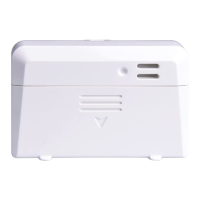
3. Connect the USB cable between the sensor and an
AC adapter(not included).
Note: After inserting the batteries or connecting AC
power, the sensor LED indicator will light for 3
seconds – flash once after 20s, and then flash once
per 1 minute thereafter (10 minutes if only powered
by batteries). Each time it flashes, the sensor is
transmitting data.


 To Next Page