5.
Sensor Installation
Before install the sensor into its permanent location,
you may go to Section 6 to configure with the gateway
first. Once the sensor has been confirmed working
correctly, then you can go back here.
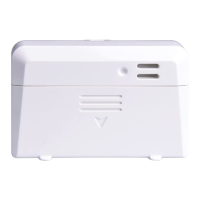
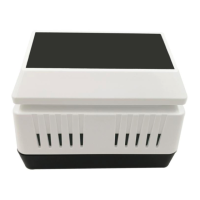
Place the sensor on a horizontally surface. Note that
the vents must be clear of any obstructions, and we
recommend placement away from other electronic
devices to prevent interference. Do not place on a
metal table to prevent RF signal loss.
Note: This sensor is designed for indoor use only.
Wireless communication is susceptible to interferen-
ce, distance, walls and metal barriers. We recomme-n
d the following best practices for trouble free wirele-
ss communication.
1. Electro-Magnetic Interference (EMI). Keep the
console several feet away from computer monitors
and TVs.


 To Next Page