Page 9
2.3 Start-Wizard
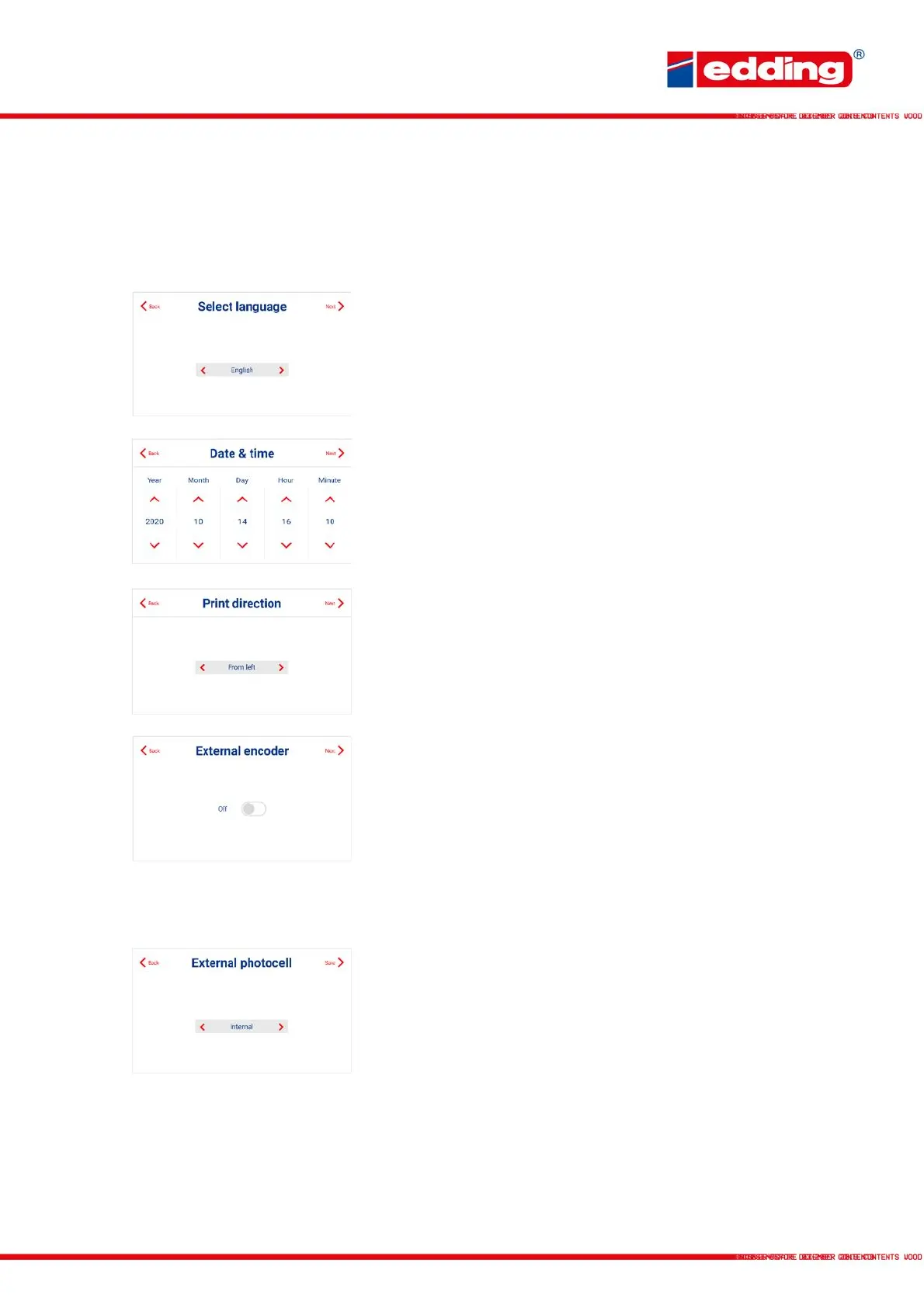
When the printer is first powered-up, use the “Basic Settings” assistant (under “Preferences”)
for setting up the printer:
Selection of the language for operating the printer. Selection
is made using the red left or right arrows. Confirm with “Next”.
Selection of the current date and time.
Selection of the print direction is defined from the rear of the
printer. “From right” means the products move from right to
left on the printer.
To use an external rotary encoder, confirm selection
accordingly with “ON”.
Selection “ON”: The parameters of the external encoder are
prompted.
Selection “OFF“: Asks for the speed of the passing products.
Selection of whether the accessory “external photocell” is
connected to the printer. Otherwise triggered by the
integrated internal photocell.



 To Next Page