10
To correctly set the gain control of the amplier to match that of the source (headunit) use the
following setup routine:
Turn the gain control to minimum on the amplier.
Ensure the bass boost is set to 0 dB.
On the headunit set all crossovers (if applicable) to at and both bass and treble to zero.
Turn up the source (headunit) to approx 3/4 volume.
Very slowly turn up the gain on the amplier until distortion can be heard in any of the subwoofers or
until the volume reaches an uncomfortable listening level when this is reached turn down the gain
control slightly.
The gain control is now set.
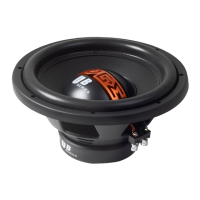
The setting of the crossover will depend on what kind of speaker you are installing.
For a subwoofer it is recommended that the crossover is set to Low Pass and the frequency is set
to match that of the speakers specications, or your preferred frequency - this is usually about 60 -
120Hz.
Note:
By using the crossovers correctly you will not only lengthen the life of your speakers but you will also
get better performance from them.
To optimise your setup seek the advice of a professional installation engineer or visit your local VIBE
audio dealer.
Set Up Section
Specication
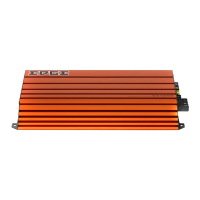
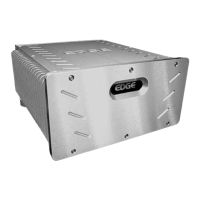
Model EDS500.2FD-E0 EDS3000.1FD-E0
Configuration 2 channel Monoblock
Dimensions
(H x W x D)
63mm (2.5”) x 125mm
(6.9”) x 232mm (9.1”)
63mm (2.5”) x 184mm
(7.2”) x 232mm (9.1”)
RMS @ 4Ω Stereo 2 x 225 watts N/A
RMS @ 2Ω Stereo 2 x 325 watts N/A
RMS @ 1Ω Stereo 2 x 525 watts N/A
RMS @ 4Ω Mono 1 x 650 watts 1 x 1100 watts
RMS @ 2Ω Mono 1 x 1050 watts 1 x 2050 watts
RMS @ 1Ω Mono N/A 1 x 3300 watts
Maximum Power 2100 watts 6600 watts
Frequency Response 20Hz - 20kHz 15Hz - 20kHz
Crossover Type LP / HP LP / HP
Crossover Range 15Hz - 15kHz 15Hz - 20kHz
Recommended Fuse 90A External Fuse 250A External Fuse
Topology Class D Class D



 To Next Page