6
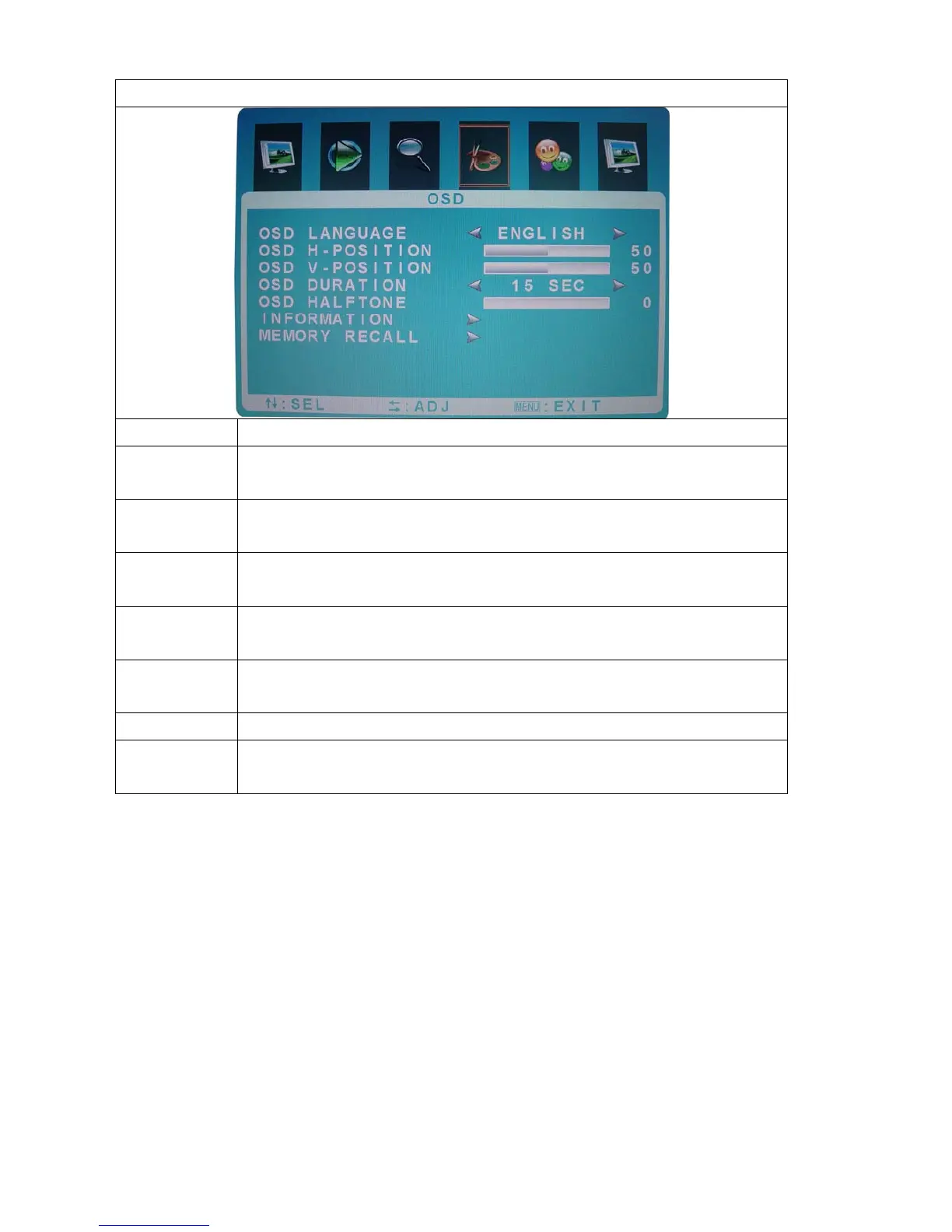
OSD
Function Description
OSD
Language
Press“+” and“-”to select the language. (Chinese German
French, Espanola ,Portuguese, Italian, English)
OSD
H-Position
Press “+” and“-”to move OSD MENU position to right or left
OSD
V-Position
Press “+” and“-”to move OSD MENU position to up or down
OSD
Duration
Press “+” and“-” to select OSD lapse time
OSD
Halftone
Press “+” and“-” to adjust the transparency of OSD menu
Information Display the best resolution status and version number
Memory
Recall
Returns all controls back to factory setting



 To Next Page